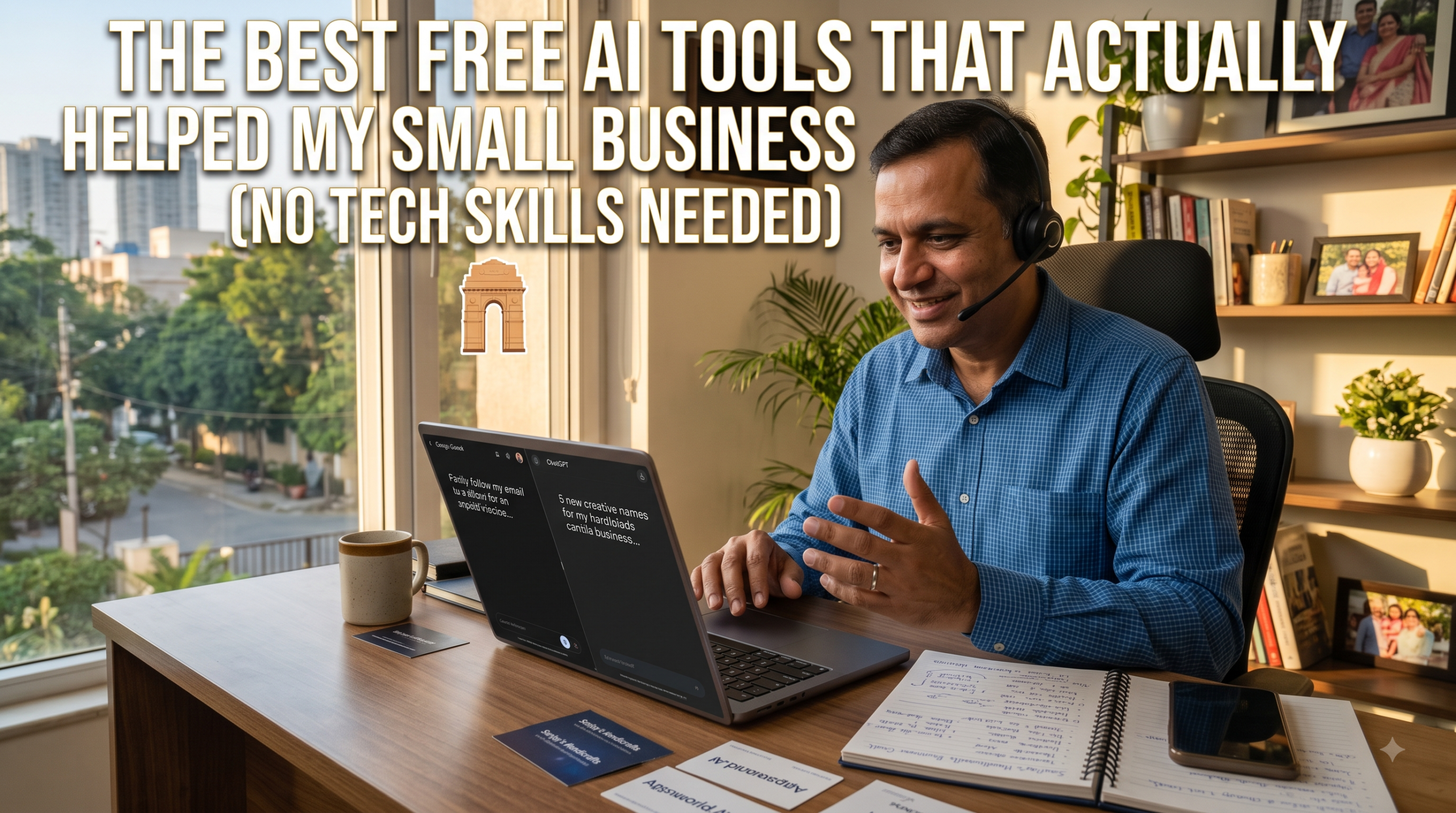
The Best Free AI Tools That Actually Helped My Small Business (No Tech Skills Needed)
Running a small business is tough. When I first started out, I felt like I had to do everything by myself. I was the manager, the marketing guy, the customer support, and the accountant—all in one person. There was never enough time in the day, and my budget was too tight to hire a big team.
Then people started talking everywhere about “Artificial Intelligence” and “AI tools.” To be honest, I thought AI was only for big IT companies or tech geniuses. But one weekend, I decided to try a few free AI tools myself.
Guess what? It completely changed how I work.
The Best Free AI Tools That Actually Helped My Small Business (No Tech Skills Needed)
I didn’t need coding knowledge, and I didn’t have to pay a single penny. Here are the best free AI tools that have genuinely made my daily work easier:
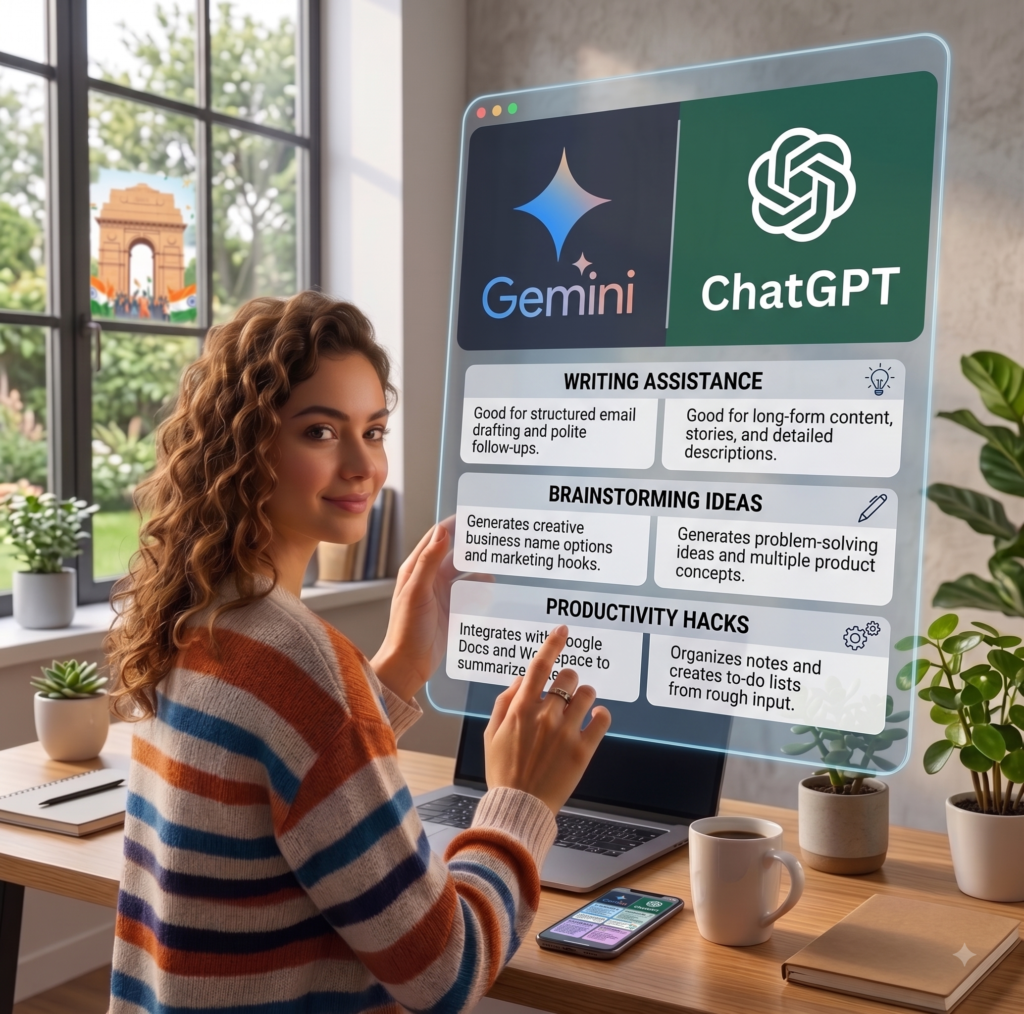
ChatGPT or Google Gemini – My Personal Assistant for Writing
What it does: Writes emails, social media posts, product descriptions, and brainstorms ideas.
Why I love it: Whenever I get stuck staring at a blank screen trying to write a professional email to a client or a caption for Instagram, I just open Gemini or ChatGPT. I type what I want in simple plain English (e.g., “Write a polite follow-up email to a client for an unpaid invoice”), and in 5 seconds, a clean draft is ready.
Cost: 100% Free version available.
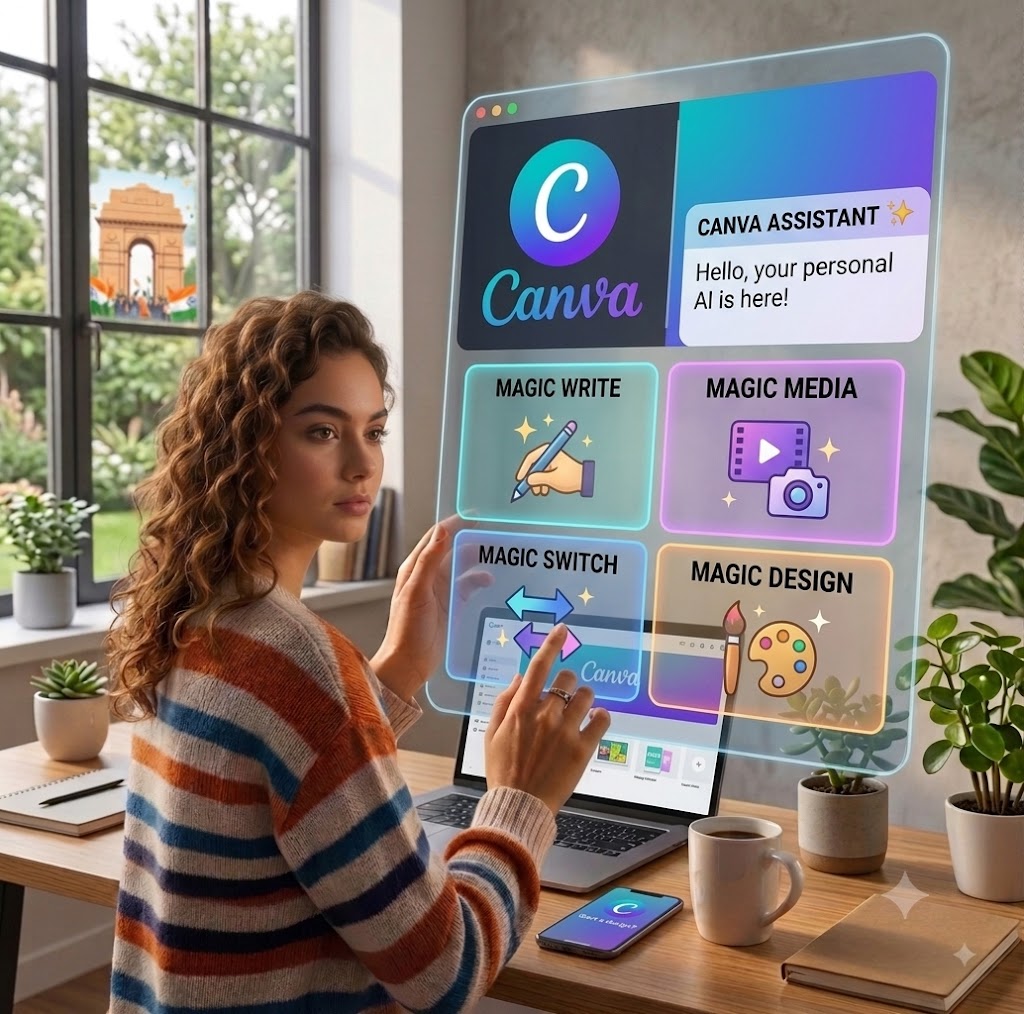
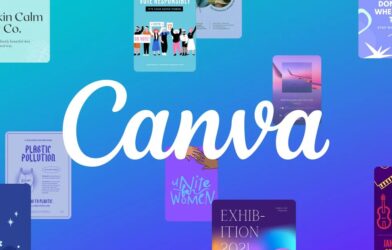
2. Canva (Free AI Features) – Designing Without a Designer
Canva (Free AI Features) – Designing Without a Designer
What it does: Creates social media posters, banners, visiting cards, and flyers.
Why I love it: I don’t know anything about Photoshop. Canva was already great, but now with its free AI features (like Magic Design), you just type what you need, and it creates ready-to-use templates with images, fonts, and colors matched perfectly.
Cost: Free version is more than enough for daily business graphics.
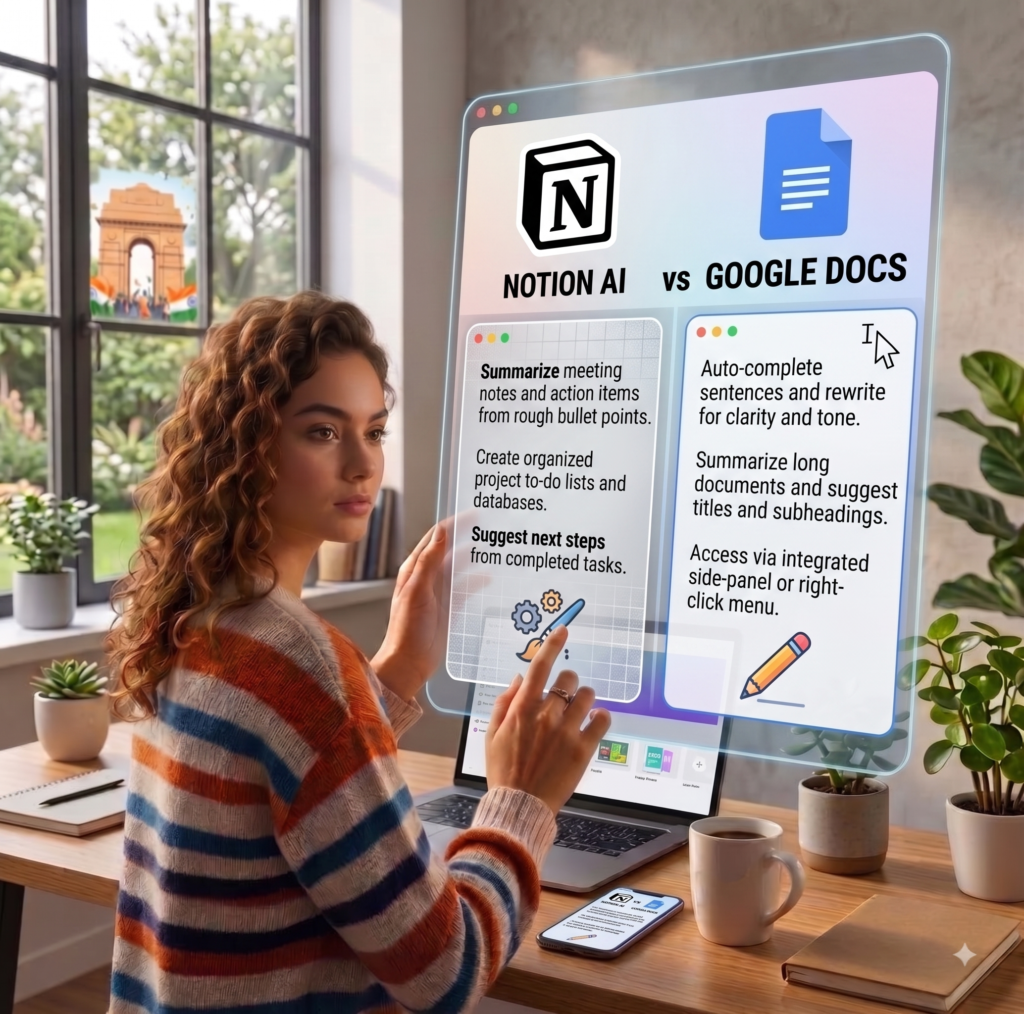
3. Notion AI / Google Docs – Keeping Everything Organized
Notion AI / Google Docs – Keeping Everything Organized
What it does: Summarizes notes, organizes daily to-do lists, and tracks project tasks.
Why I love it: After long calls or meetings with clients, my notes used to be a messy bunch of bullet points. Now, I paste them into Notion or Google Docs and let AI summarize the key action points and next steps. It saves me at least an hour every week.
Cost: Free plans available.
4. CapCut (Free Desktop & Mobile) – Easy Video Ads
CapCut (Free Desktop & Mobile) – Easy Video Ads
What it does: Auto-generates video captions, removes background noise, and speeds up video editing.
Why I love it: Short videos (like Reels and Shorts) bring in the most customers today. But editing used to take hours. CapCut’s AI automatically listens to my video and adds animated captions word-by-word with zero manual typing.
Cost: Free with plenty of features.
5. TinyWow – The Swiss Army Knife for Daily Files
TinyWow – The Swiss Army Knife for Daily Files
What it does: Free AI-powered website to convert, edit, and fix PDF files, compress images, and remove photo backgrounds.
Why I love it: Need to remove the messy background from a product photo? Or convert an invoice PDF to Word? TinyWow does it in seconds right from your browser, without demanding any sign-up fee or software installation.
Cost: Completely Free.
Conclusion:
Work Smarter, Not Harder
At the end of the day, running a small business will always demand effort, but it doesn’t mean you have to burn yourself out doing every little repetitive task alone.
You don’t need a massive budget, a huge team, or advanced tech knowledge to start using AI. The key is to start small—pick just one tool from this list today, whether it is drafting an email with Gemini or making a quick promotional graphic on Canva.
Give yourself some extra time to focus on what truly grows your brand: building great relationships and serving your customers.
Which of these free tools are you going to try first? Drop a comment below and share your experience!
Frequently Asked Questions:
1. Are these AI tools really 100% free to use?
Yes! All the tools mentioned in this article (like Google Gemini, ChatGPT, Canva, and CapCut) offer generous free plans. While they do have paid “Pro” upgrades, the free versions are more than enough to handle everyday small business tasks without spending any money.
2. Do I need technical or coding skills to use AI tools?
Not at all. If you know how to send a WhatsApp message or search on Google, you can easily use these tools. You simply talk to them in plain, simple English (or your preferred language) like you’re giving instructions to a human assistant.
3. Can AI completely replace my employees or a designer?
No, and it doesn’t need to. Think of AI as a smart assistant rather than a replacement. It helps you draft things faster and saves hours on repetitive tasks, but you still need a human eye to review the final output and add your personal touch.
4. Is my business data safe when using free AI tools?
Most major platforms are secure for general everyday tasks. However, as a rule of thumb, avoid typing sensitive private information—like your bank passwords, customer credit card details, or confidential legal documents—into any public AI tool.
5. Which tool should I start with if I only have 10 minutes?
Start with Google Gemini or ChatGPT. Just open the website and ask it to write an email, plan an Instagram post, or give you 5 ideas to attract more local customers. You will see results in seconds!