How to Use ChatGPT: A Simple, No-Fluff Guide for Beginners
Have you ever heard someone talking about AI and wondered, “What is the big deal about ChatGPT?”
If you are curious about how to use it without getting bogged down by complicated tech terms, you are in the right place. Think of ChatGPT as a super-smart digital assistant living in your browser. It can help you draft emails, brainstorm birthday gift ideas, explain tough concepts, or even write a poem for a friend—all through a simple chat, just like texting on WhatsApp.
How to Use ChatGPT: A Simple, No-Fluff Guide for Beginners
What is ChatGPT, Really?
Think of ChatGPT as a very knowledgeable friend who has read almost everything on the internet, remembers it instantly, and is always ready to talk.
You ask it a question or give it a task in normal, everyday language, and it types back an answer. No code required. No special technical jargon. Just talking.
Step 1: Set Up Your Account
Getting started takes less than two minutes:
Go to chatgpt.com (or download the official ChatGPT app on your phone).
Click Sign Up.
Create an account using your email address, or just sign in with your Google, Apple, or Microsoft account.
That’s literally it. You’ll be taken straight to a clean interface with a simple text box at the bottom.
Step 1: Set Up Your Account
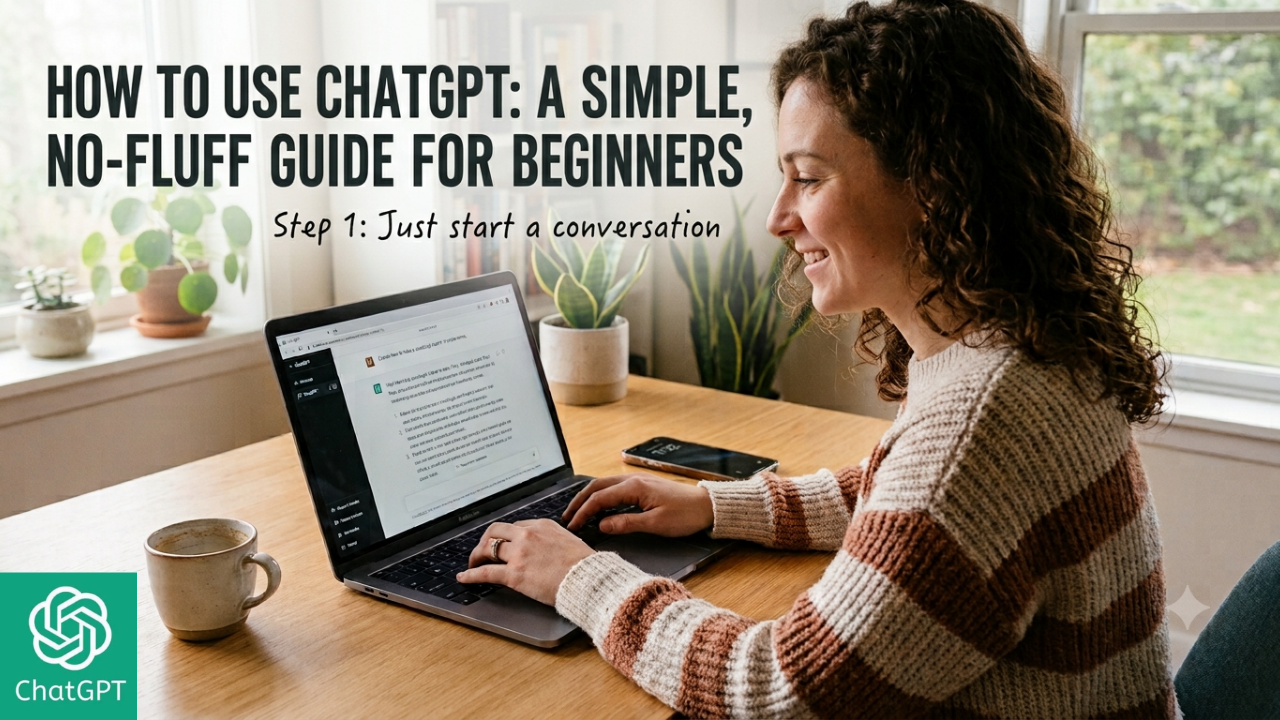
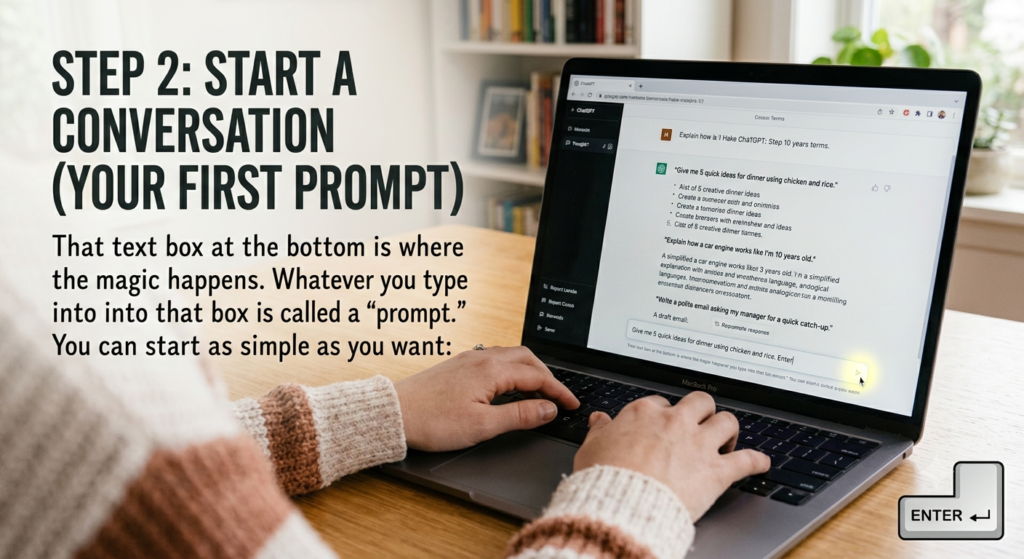
Step 2: Start a Conversation (Your First Prompt)
That text box at the bottom is where the magic happens.
Whatever you type into that box is called a “prompt.”
You can start as simple as you want:
“Give me 5 quick ideas for dinner using chicken and rice.”
“Explain how a car engine works like I’m 10 years old.”
“Write a polite email asking my manager for a quick catch-up.”
Type your request, hit Enter, and watch it generate an answer in seconds.
Step 2: Start a Conversation (Your First Prompt)
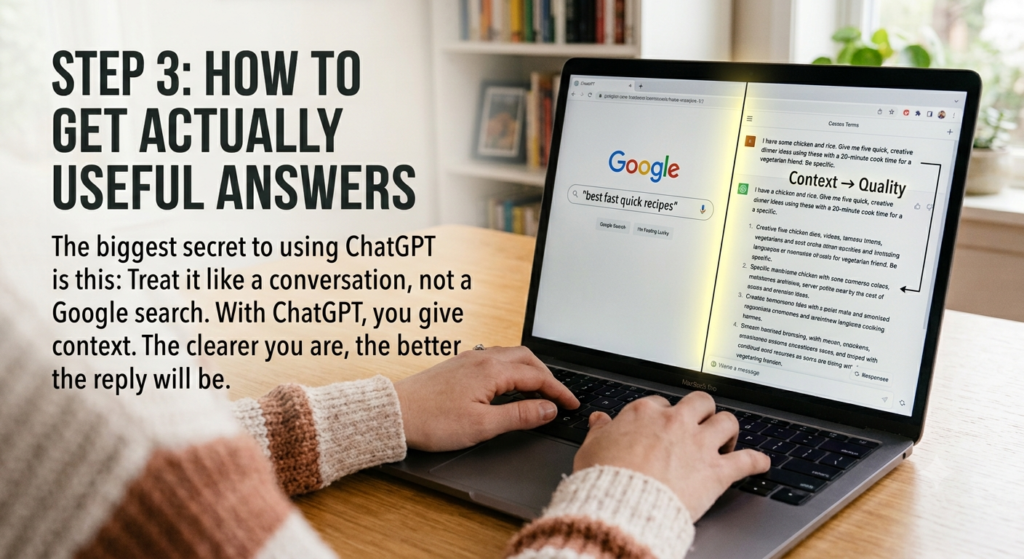
Step 3: How to Get Actually Useful Answers
The biggest secret to using ChatGPT is this: Treat it like a conversation, not a Google search.
If you search Google, you type short keywords like “best fast quick recipes.” With ChatGPT, you give context. The clearer you are, the better the reply will be.
Step 3: How to Get Actually Useful Answers
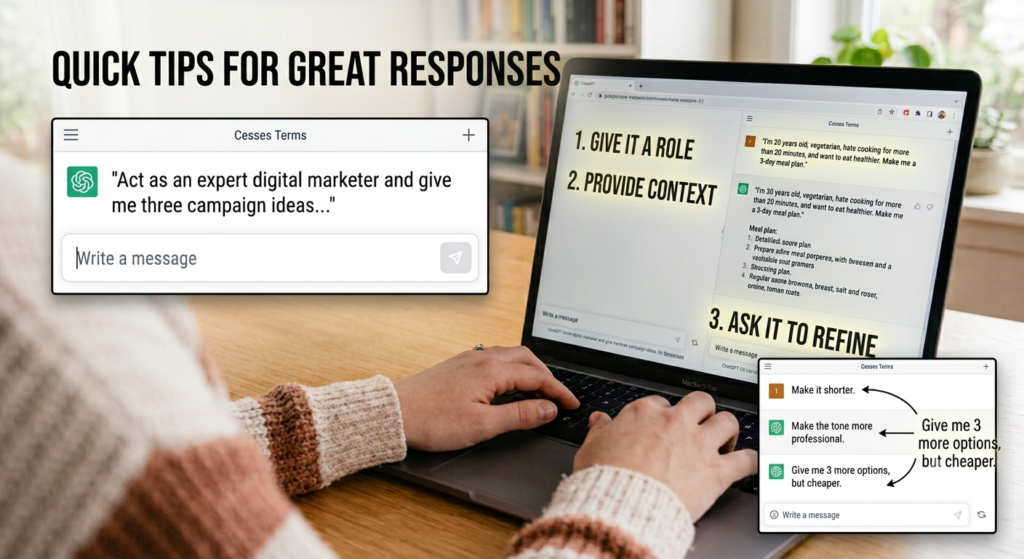
Here are a few quick tips to get great responses:
1. Give it a Role
Tell ChatGPT who it should pretend to be.
“Act as an expert digital marketer and give me three campaign ideas…”
“Act as a friendly fitness coach and create a beginner workout…”
2. Provide Context
Don’t just ask for a diet plan. Tell it:
“I’m 30 years old, vegetarian, hate cooking for more than 20 minutes, and want to eat healthier. Make me a 3-day meal plan.”
3. Ask it to Refine
If you don’t like the first answer, don’t start over! Just talk back to it:
“Make it shorter.”
“Make the tone more professional.”
“Give me 3 more options, but cheaper.”
a few quick tips to get great responses
What Can You Actually Use It For?
Here are some real-life ways people use ChatGPT every day:
Writing & Editing: Drafting emails, fixing grammar, rewriting articles, or making long paragraphs simpler.
Learning New Things: Breaking down complicated topics, summarizing long articles, or practicing a new language.
Brainstorming: Generating name ideas, video concepts, blog topics, or gift ideas for friends.
It can be wrong: Always double-check important facts, dates, and numbers.
It doesn’t know your personal life: Unless you tell it details in the prompt, it won’t guess your preferences.
Don’t share private passwords or personal info: Treat it like any other website on the internet.
Conclusion
At the end of the day, ChatGPT isn’t here to replace your brain—it’s here to save you time and clear up mental clutter. Think of it as a tool in your digital toolkit. The more you talk to it, test out different prompts, and get comfortable with its responses, the more natural it will feel.
Don’t overthink your first prompt. Just head over to the site, type out a simple question like you’re texting a friend, and see where the conversation takes you!
Frequently Asked Questions (FAQs)
1. Is ChatGPT free to use?
Yes! OpenAI offers a completely free version of ChatGPT (GPT-3.5 / GPT-4o mini) that is more than enough for everyday tasks like writing, brainstorming, and learning. They also have a paid plan, ChatGPT Plus, which offers faster responses and access to advanced features like custom GPTs and image generation.
2. Can ChatGPT replace Google Search?
Not entirely. While ChatGPT is great for explaining concepts, summarizing text, and drafting ideas, Google is still better for real-time local info, breaking news, and direct website links. Think of ChatGPT as a conversational assistant rather than a search index.
3. Is ChatGPT accurate and trustworthy?
ChatGPT is very smart, but it’s not infallible. It can occasionally make mistakes or state incorrect information with confidence (known as “hallucinations”). It’s always a good practice to double-check important facts, dates, and medical or legal advice.
4. Do I need coding or technical skills to use ChatGPT?
Not at all. You interact with ChatGPT using plain, everyday language—just like chatting with a friend over WhatsApp or iMessage.
5. How can I get the best results from ChatGPT?
Be specific! Give it context, tell it what role to play (e.g., “Act as a social media manager”), and tell it who the target audience is. If you don’t like its first answer, simply reply with follow-up instructions to refine it.