
How AI Is Changing the Way Students Learn
Imagine preparing for an important examination, but you are struggling to understand a difficult chapter. Your textbook contains complicated explanations, your notes are incomplete, and you have limited time to prepare.
What if you could use an intelligent assistant to explain difficult topics, summarise lengthy documents, create practice questions and help you organise your study schedule?
This is where Artificial Intelligence (AI) comes in. 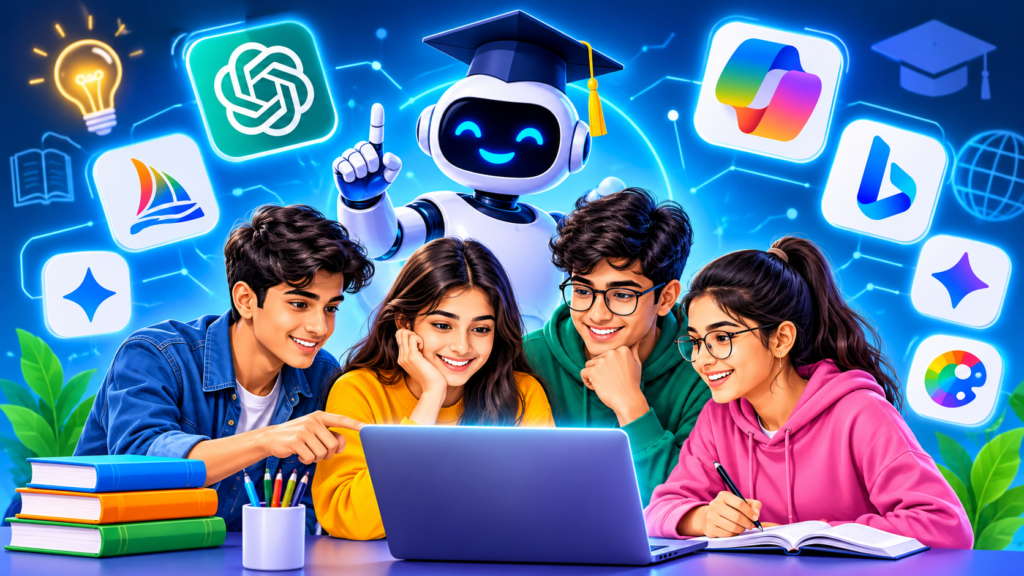
Artificial Intelligence is transforming the education sector by introducing new ways to learn, research, write and solve problems. Today, students can access several AI-powered tools that make everyday academic activities easier and more efficient.
The best part? Many of these tools offer useful free versions, meaning students do not always need expensive subscriptions to benefit from AI technology.
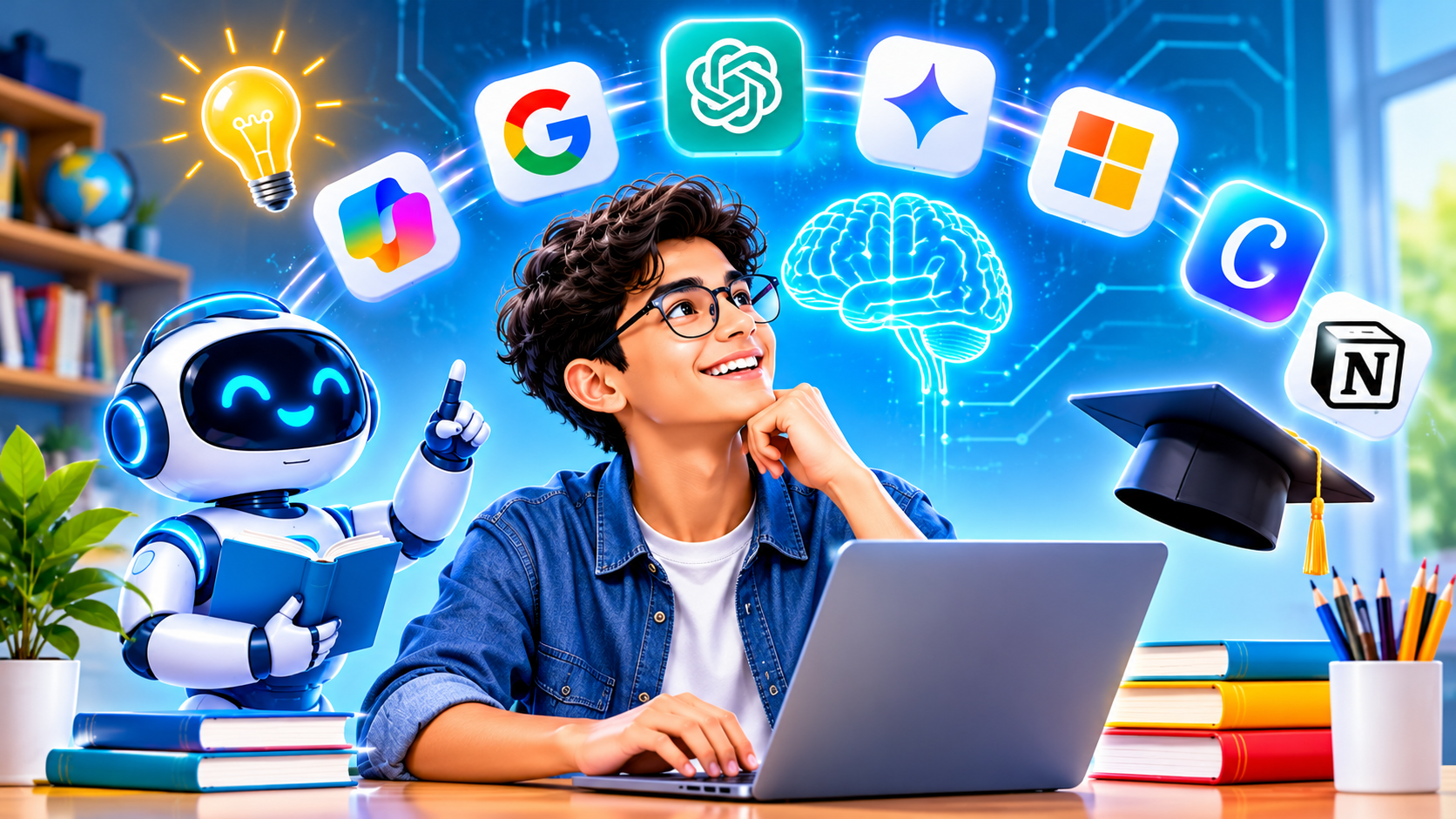
From ChatGPT and Google Gemini to NotebookLM and Grammarly, there are several free AI tools for students that can support learning and improve productivity.
Whether you are a school student, college student, university researcher or competitive examination candidate, these tools can help you study more effectively.
In this article, we will explore the 10 best free AI tools for students in 2026, their features, benefits, practical uses and limitations.
1. ChatGPT – Your Personal AI Study Assistant
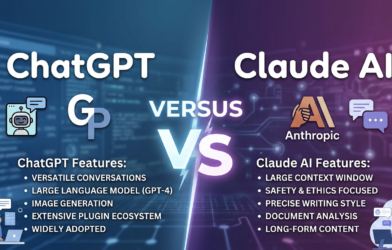
ChatGPT is one of the most popular AI tools for students. Developed by OpenAI, it is designed to understand questions and generate helpful responses in natural language.
Students can use ChatGPT to understand difficult subjects, prepare for examinations, generate ideas and improve their writing skills.
Key Features
- Explains complicated topics in simple language.
- Summarises lengthy study materials.
- Generates practice questions and quizzes.
- Helps with mathematics and science problems.
- Supports brainstorming and writing.
- Provides step-by-step learning assistance.
How Can Students Use ChatGPT?
Suppose you are studying physics but cannot understand Newton’s laws of motion. Instead of reading the same explanation repeatedly, you can ask ChatGPT:
“Explain Newton’s three laws of motion in simple English with real-life examples.”
ChatGPT can provide an easy explanation with examples that make the topic easier to understand.
You can also ask it to prepare multiple-choice questions for examination practice.
Best For: Homework assistance, concept explanations, writing, revision and exam preparation.
Pricing: Free plan available, with usage limits and additional features on paid plans.
Website: https://chatgpt.com/
2. Google Gemini – An AI Assistant for Learning and Research
Google Gemini is another useful AI assistant that can help students with academic activities.
Developed by Google, Gemini can understand questions, explain concepts, assist with writing and support research.
It is particularly useful for students who regularly work with Google’s digital ecosystem.
Key Features
- Answers academic questions.
- Explains difficult concepts.
- Helps generate ideas for projects.
- Assists with writing and summarisation.
- Supports brainstorming and learning.
- Helps students explore different perspectives.
How Can Students Use Google Gemini?
Imagine you are preparing a school project about climate change.
You can ask Gemini to explain the causes of climate change, describe its environmental effects and suggest important points to include in your presentation.
You can then verify the information using reliable educational and scientific sources.
Best For: Research, learning, brainstorming and academic writing.
Pricing: Free access is available, while advanced features and higher limits may require a subscription.
Website: https://gemini.google.com/
3. NotebookLM – Turn Your Study Notes Into an AI Learning Assistant
NotebookLM is one of Google’s particularly useful AI tools for students.
Unlike general-purpose AI assistants, NotebookLM focuses on the documents and sources that users provide.
Students can upload study materials, PDFs, lecture notes and research documents and then ask questions about their contents.
Key Features
- Summarises uploaded documents.
- Generates study guides.
- Answers questions using provided sources.
- Creates quizzes and flashcards.
- Helps organise research materials.
- Generates Audio Overviews for learning.
How Can Students Use NotebookLM?
Suppose you have a 100-page history PDF and an examination is approaching.
Reading the entire document again may take several hours.
You can upload the PDF to NotebookLM and ask it to identify important topics, summarise major events and create practice questions.
This can make revision more organised and focused.
One important advantage is that NotebookLM provides citations linked to the source material, helping students check where information comes from.
Best For: Exam preparation, PDF summarisation, research papers and revision.
Pricing: Free access is available, with usage limits and paid options for higher limits.
Website: https://notebooklm.google.com/
4. Perplexity AI – A Helpful Tool for Online Research
Research is an important part of education. Students regularly need reliable information for assignments, projects, presentations and academic reports.
Perplexity AI is an AI-powered search and answer engine that helps users explore information from the internet.
Unlike a traditional search engine that mainly provides a list of websites, Perplexity generates conversational answers with links to sources.
Key Features
- Answers questions using online information.
- Provides links to supporting sources.
- Helps explore research topics.
- Summarises information from websites.
- Supports follow-up questions.
- Helps discover relevant reading materials.
How Can Students Use Perplexity AI?
Suppose you are preparing an assignment on renewable energy in India.
You can ask:
“What are the major renewable energy sources in India, and what are their advantages?”
Perplexity can provide an overview and links to relevant sources.
You should open those sources and check the original information before using it in an academic assignment.
Best For: Research, fact-checking, finding references and exploring current topics.
Pricing: Free plan available, with advanced research features on paid plans.
Website: https://www.perplexity.ai/
5. Grammarly – Improve Your English Writing Skills
Good writing is essential for students, especially when preparing assignments, essays, applications and research reports.
Grammarly is an AI-powered writing assistant that helps users improve grammar, spelling, punctuation and sentence clarity.
It is particularly helpful for students who want to improve their English writing.
Key Features
- Checks spelling mistakes.
- Identifies grammatical errors.
- Suggests clearer sentences.
- Helps improve readability.
- Provides writing suggestions.
- Supports professional communication.
How Can Students Use Grammarly?
Imagine you have written an assignment in English but are unsure whether your sentences are grammatically correct.
You can use Grammarly to identify mistakes and receive suggestions for improving your writing.
Over time, reviewing these suggestions can also help you understand common grammar errors.
Best For: Essays, assignments, applications, emails and English writing practice.
Pricing: Free plan available; advanced writing features require a paid subscription.
Website: https://www.grammarly.com/
6. Canva – Create Professional Presentations and Projects
Students often need to create presentations, posters, diagrams and visual projects.
Canva is a popular online design platform that provides templates and AI-powered creative features.
It makes graphic design more accessible, even for people without professional design experience.
Key Features
- Presentation templates.
- Poster and infographic creation.
- Graphic design tools.
- AI-assisted image creation.
- Social media designs.
- Educational project templates.
How Can Students Use Canva?
Suppose your teacher asks you to prepare a presentation about artificial intelligence.
Instead of designing every slide from the beginning, you can select a presentation template, organise your information and create visually attractive slides.
Canva’s free version includes useful design features, although some premium assets and AI features have restrictions.
Best For: School projects, presentations, posters, infographics and creative assignments.
Pricing: Free plan available; some advanced features require Canva Pro. Eligible educational users may qualify for Canva Education.
Website: https://www.canva.com/
7. GitHub Copilot – AI Assistance for Programming Students
Programming students often spend hours writing code, identifying errors and understanding programming concepts.
GitHub Copilot is an AI-powered coding assistant designed to help developers write and understand code.
It can suggest code while users are programming and assist with debugging.
Key Features
- AI-powered code suggestions.
- Code completion.
- Programming assistance.
- Code explanations.
- Debugging support.
- Integration with development environments.
How Can Students Use GitHub Copilot?
Suppose you are learning Python and want to create a simple calculator.
You can use Copilot to get coding suggestions and understand how different parts of the program work.
However, students should read and understand the generated code rather than copying it without learning.
GitHub offers a free Copilot plan, and verified students may qualify for additional student access.
Best For: Computer science students, programming beginners and software development projects.
Pricing: Free plan available; verified students may qualify for GitHub Copilot Student.
Website: https://github.com/features/copilot
8. Google Colab – Learn Python and Artificial Intelligence
Google Colab is an online platform that allows users to write and execute Python code directly in a browser.
It is particularly useful for students interested in computer science, data science, machine learning and artificial intelligence.
One of its biggest advantages is that beginners do not need to install complicated programming environments to start experimenting.
Key Features
- Write and execute Python code.
- Create interactive notebooks.
- Work with datasets.
- Experiment with machine learning.
- Share coding projects.
- Access computing resources with free usage limits.
How Can Students Use Google Colab?
Suppose you are learning Python programming and want to understand how a machine learning model works.
You can open Google Colab, create a notebook and experiment with Python code.
It is also useful for college students completing data science assignments and programming projects.
Best For: Python programming, data science, machine learning and AI experiments.
Pricing: Free access is available, with paid options for additional computing resources.
Website: https://colab.research.google.com/
9. Microsoft Copilot – AI Assistance for Everyday Student Tasks
Microsoft Copilot is an AI assistant that can help students with research, writing, brainstorming and everyday productivity.
It is useful for students who regularly work with digital documents and online information.
Key Features
- Answers general questions.
- Explains academic concepts.
- Helps generate ideas.
- Assists with writing.
- Supports research and brainstorming.
- Provides AI-powered assistance for everyday tasks.
How Can Students Use Microsoft Copilot?
Suppose you need to write an introduction for a school project about environmental pollution.
You can ask Copilot to suggest an outline, explain important concepts and recommend points to research.
You can then develop the introduction using your own understanding and verified information.
Best For: Research, writing assistance, brainstorming and productivity.
Pricing: Free access is available, while some advanced features depend on subscription and account eligibility.
Website: https://copilot.microsoft.com/
10. Claude – A Useful AI Tool for Reading and Writing
Claude is an AI assistant developed by Anthropic.
It can help students understand complicated information, analyse documents, brainstorm ideas and improve written work.
It is particularly useful when students need detailed explanations or feedback on longer pieces of writing.
Key Features
- Explains complex topics.
- Helps analyse documents.
- Assists with writing and editing.
- Supports brainstorming.
- Provides feedback on written arguments.
- Helps organise information.
How Can Students Use Claude?
Suppose you have written a long essay about the impact of technology on society.
You can ask Claude to review the essay, identify unclear arguments and suggest improvements.
This allows you to revise your own work while learning how to communicate more effectively.
Best For: Essay feedback, document analysis, writing assistance and research planning.
Pricing: Free plan available with usage limits; paid plans provide additional access.
Website: https://claude.ai/
How Can Students Use AI Tools Effectively?
Having access to AI tools is useful, but knowing how to use them correctly is even more important.
Here are some practical suggestions:
1. Use AI to Understand Difficult Subjects
Instead of memorising complicated explanations, ask AI tools to explain concepts in simple language with examples.
2. Create Your Own Practice Questions
Ask AI to generate multiple-choice questions, short-answer questions and quizzes based on your syllabus.
3. Improve Your Writing
Use AI writing assistants to identify grammar mistakes, improve sentence structure and develop communication skills.
4. Organise Your Study Schedule
Ask an AI assistant to help create a realistic daily study timetable based on your subjects and examination dates.
5. Verify Important Information
AI tools can sometimes generate incorrect answers or misleading references. Always verify important facts using textbooks, teachers and reliable websites.
6. Follow Academic Integrity Rules
Do not submit AI-generated assignments as your own work when your institution does not permit it. Use these tools to learn, practise and improve your understanding.
Are Free AI Tools Safe for Students?
Most established AI platforms provide privacy and security information, but students should still use them carefully.
Before uploading any document or entering personal information, consider the following:
- Never share passwords or sensitive personal information.
- Avoid uploading confidential school or college documents.
- Check the privacy settings of your account.
- Verify AI-generated answers before relying on them.
- Follow your school’s or university’s AI usage policy.
Responsible use of AI is essential for developing good digital skills.
Frequently Asked Questions (FAQs)
1. What are the best free AI tools for students in 2026?
Some useful free AI tools for students include ChatGPT, Google Gemini, NotebookLM, Perplexity AI, Grammarly, Canva, GitHub Copilot, Google Colab, Microsoft Copilot and Claude.
2. Which AI tool is best for studying?
ChatGPT and Google Gemini are useful for explaining difficult concepts and answering questions. NotebookLM is particularly helpful for studying from uploaded notes and PDFs.
3. Can students use ChatGPT for free?
Yes. ChatGPT offers a free plan that students can use for learning, research, writing assistance and general academic questions. Some advanced features have usage limits.
4. Which AI tool is best for making presentations?
Canva is a useful option for creating presentations, posters and educational graphics. It offers free templates and design features.
5. Which AI tool is best for research?
Perplexity AI is useful for discovering information with source links. NotebookLM is another strong option for analysing documents and research materials provided by the user.
6. Can AI tools help students prepare for examinations?
Yes. Students can use AI tools to summarise study materials, create quizzes, explain difficult subjects and organise revision schedules.
7. Are free AI tools better than paid AI tools?
Free tools are often sufficient for basic learning and everyday academic activities. Paid plans generally provide higher usage limits or additional features, but not every student needs them.
8. Is using AI for homework cheating?
Not necessarily. It depends on how the tool is used and what the school or university permits. Using AI to understand a concept is different from submitting AI-generated work as your own.
Conclusion: The Future of Education Is Becoming More Intelligent
Artificial Intelligence is creating new opportunities for students to improve their learning experiences.
From ChatGPT and Google Gemini to NotebookLM and GitHub Copilot, free AI tools are making educational assistance, research and digital creativity more accessible.
Students can use these technologies to understand complicated subjects, improve their writing, prepare for examinations and develop important technical skills.
However, AI should not replace independent thinking, creativity or genuine learning.
The smartest students will not necessarily be those who use the most AI tools. They will be those who understand how to use technology responsibly while developing their own knowledge and abilities.
If you are a student, start with two or three tools that match your learning needs. Experiment with their features, verify the information they provide and use them to become a better learner.
Remember: AI can make studying easier, but your curiosity, effort and willingness to learn will determine your success.