
Top 10 AI Image Generators for Creators, Marketers, and Artists
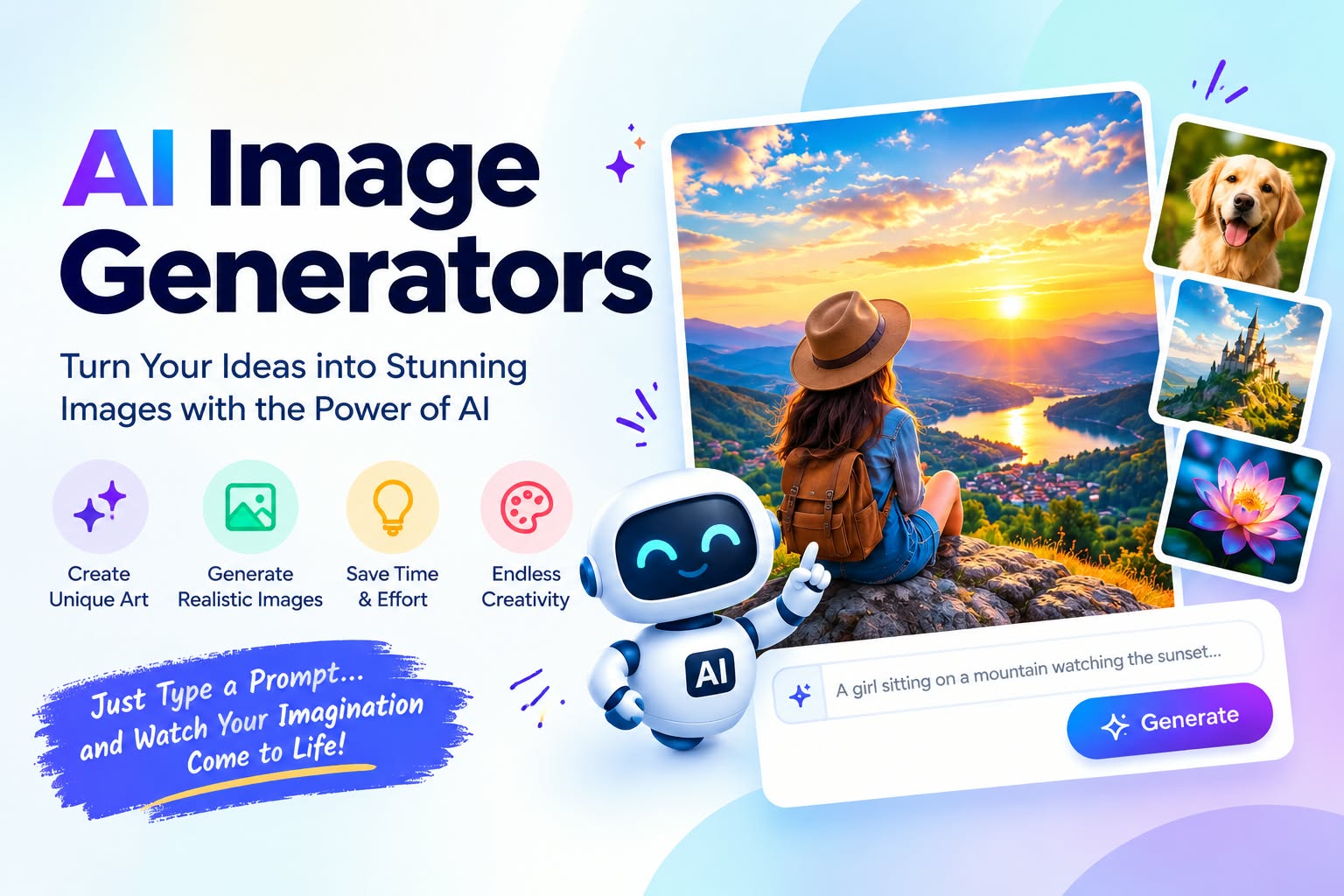
Finding the right visuals for your projects used to take hours of searching stock photo websites or hiring expensive designers. Today, Artificial Intelligence (AI) has completely changed the game. Whether you are a content creator looking for eye-catching thumbnails, a marketer needing ad visuals, or an artist exploring new ideas, AI image generators can turn your text prompts into high-quality images in seconds.
With dozens of options available, picking the right tool can feel overwhelming. To make things easy, we have tested and rounded up the top 10 AI image generators for creators, marketers, and artists.
1. Midjourney
Best For: Unmatched artistic quality and photorealism.
Midjourney is widely considered the king of AI image quality. It excels at creating painterly art, realistic portraits, fantasy scenes, and cinematic lighting.
-
Why Creators Love It: The details are incredibly sharp and look professional right out of the box.
-
Key Features: High-resolution output, distinct artistic styles, and strong community support.
-
Drawbacks: It works entirely through Discord, which can be confusing for total beginners.
2. DALL-E 3 (by OpenAI)
Best For: Ease of use and understanding complex prompts.
Built directly into ChatGPT Plus, DALL-E 3 is one of the easiest AI tools to use. You simply chat with ChatGPT, describe what you want, and it writes the prompt for you.
-
Why Marketers Love It: If the first image isn’t quite right, you can ask ChatGPT to tweak specific details (like changing a color or adding text).
-
Key Features: Excellent text understanding, seamless ChatGPT integration, and simple prompt editing.
-
Drawbacks: Requires a paid ChatGPT subscription for full access.
3. Adobe Firefly
Best For: Professional graphic designers and commercial use.
Adobe Firefly is built directly into Photoshop and Illustrator. Unlike many other AI tools, Firefly is trained on stock images that Adobe legally owns, making it safe for commercial use without copyright worries.
-
Why Graphic Designers Love It: The “Generative Fill” feature lets you remove, expand, or replace parts of an image with simple text commands inside Photoshop.
-
Key Features: Commercial-safe training data, direct Adobe Creative Cloud integration, and text-effect tools.
-
Drawbacks: Less “artistic” or stylized compared to Midjourney.
4. Leonardo.ai
Best For: Game developers, digital artists, and custom fine-tuning.
Leonardo.ai is a powerful, web-based platform that offers a lot of control over the image generation process. It allows users to train their own AI models on specific art styles.
-
Why Artists Love It: You can generate consistent characters and control exact lighting, depth, and pose.
-
Key Features: Custom model training, canvas editing, and generous free daily credits.
-
Drawbacks: The interface has many options, which can feel complex for absolute beginners.
5. Canva AI (Magic Media)
Best For: Quick social media graphics and marketing materials.
If you already use Canva to make Instagram posts, presentations, or banners, its built-in Magic Media AI generator is a game-changer.
-
Why Social Media Managers Love It: You can generate an image and immediately drop it into a flyer, story, or poster template.
-
Key Features: Built right into the Canva ecosystem, beginner-friendly, and instant formatting options.
-
Drawbacks: Image detail and realism are lower than dedicated tools like Midjourney.
6. Stable Diffusion (DreamStudio / AUTOMATIC1111)
Best For: Tech-savvy users who want 100% free, open-source control.
Stable Diffusion is open-source, meaning you can download and run it locally on your own computer for free. It offers unlimited customization if you have a decent graphics card (GPU).
-
Why Tech Enthusiasts Love It: Zero subscription fees, no content filters, and thousands of community-made styles available to download.
-
Key Features: Full offline control, web interface options, and deep customizability.
-
Drawbacks: Requires a powerful PC and technical setup knowledge.
7. Ideogram
Best For: Generating accurate text inside images (logos, posters, shirts).
One major issue with most AI generators is that they struggle to spell words inside images. Ideogram solved this problem. It is designed specifically to render clean, readable text on signboards, t-shirts, and posters.
-
Why Marketers & Merch Creators Love It: Perfect for creating typography designs, brand logos, and promotional quotes without messy typos.
-
Key Features: Flawless text rendering, high-contrast graphic styles, and a simple web interface.
-
Drawbacks: Struggles with subtle photographic realism compared to DALL-E or Midjourney.
8. Freepik AI
Best For: High-speed stock photos and vector graphics.
Freepik, popular for stock vectors and photos, now includes a powerful AI image generator. It is ideal for bloggers and web designers who need clean, modern visuals quickly.
-
Why Bloggers Love It: You can generate stock-style images, illustrations, and icons in a single click without leaving the site.
-
Key Features: Real-time generation modes, stock photo layout styles, and direct download formats.
-
Drawbacks: Limited custom artistic styles.
9. Flux (by Black Forest Labs)
Best For: Ultra-realistic skin textures, hands, and photorealism.
Flux is one of the newest open-source AI models developed by the original creators of Stable Diffusion. It has taken the AI community by storm due to its ability to generate realistic human hands, skin textures, and natural lighting.
-
Why Photographers & Creators Love It: It avoids the glossy “fake AI look” that many other tools produce.
-
Key Features: Photorealistic human anatomy, clear lighting, and open-weight model availability.
-
Drawbacks: Best accessed through third-party platforms unless run locally.
10. Bing Image Creator / Image Creator from Microsoft Designer
Best For: 100% free, high-quality images powered by DALL-E 3.
If you want the power of DALL-E 3 without paying for ChatGPT Plus, Microsoft offers it completely free through Bing Image Creator.
-
Why Beginners Love It: All you need is a free Microsoft account to start generating high-resolution images instantly.
-
Key Features: Free access to DALL-E 3 technology, fast generation speed, and simple prompt input.
-
Drawbacks: Daily boost credits limit super-fast generation speed once exhausted.