Thanks to the evolution of “vibe coding” and modern prompt-to-app builders, you no longer write thousands of lines of syntax. Instead, you act as the creative director—describing what you want in plain, conversational English, and letting AI write the code, configure databases, and build the user interface in real time.
If you have an idea in your head and want to see it live on a screen, here is the simplest, step-by-step roadmap to building an app with AI in 2026.
The Philosophy: Vibe Coding & The “Director” Mindset
The biggest shift in app development is simple:
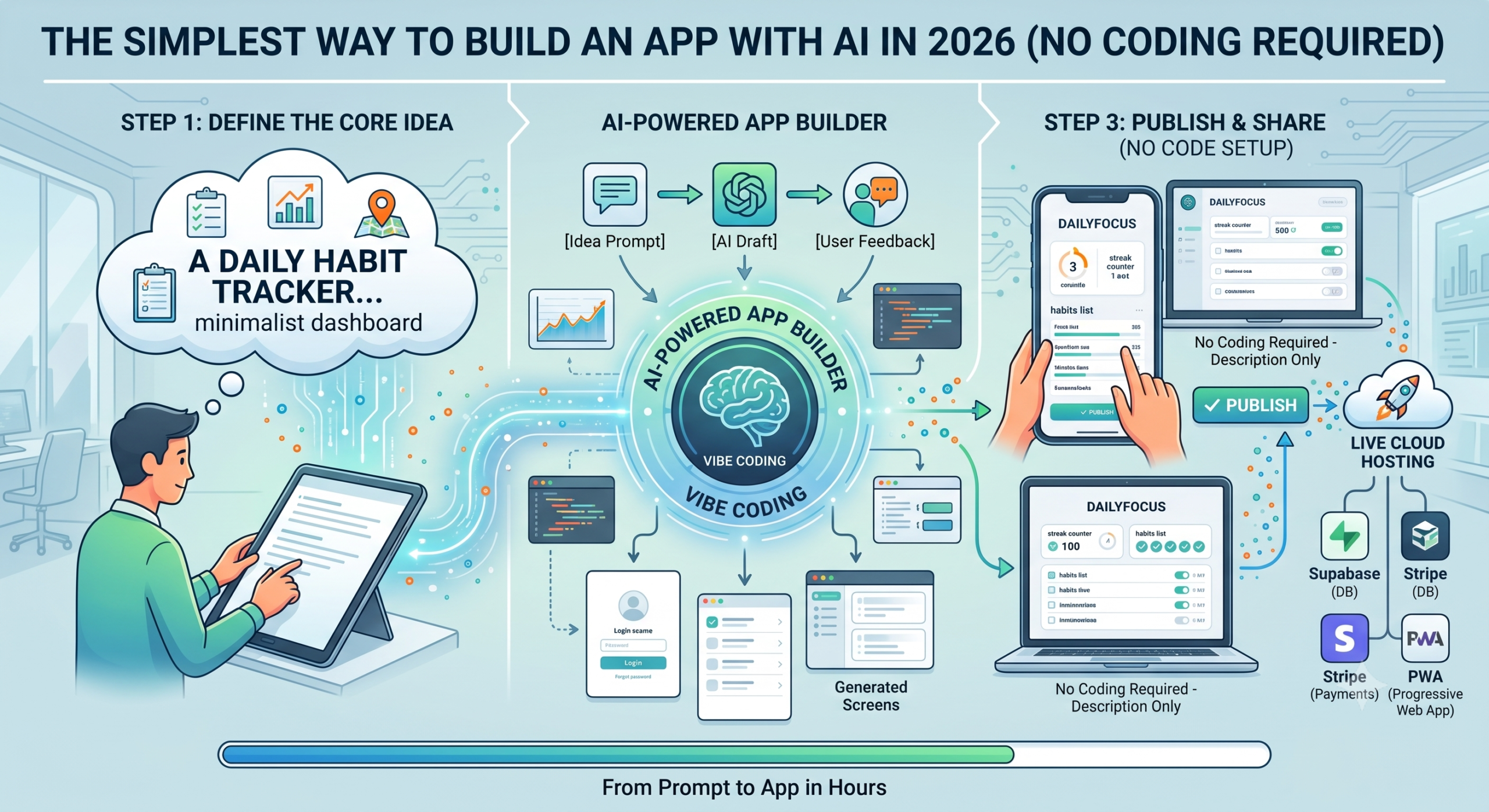
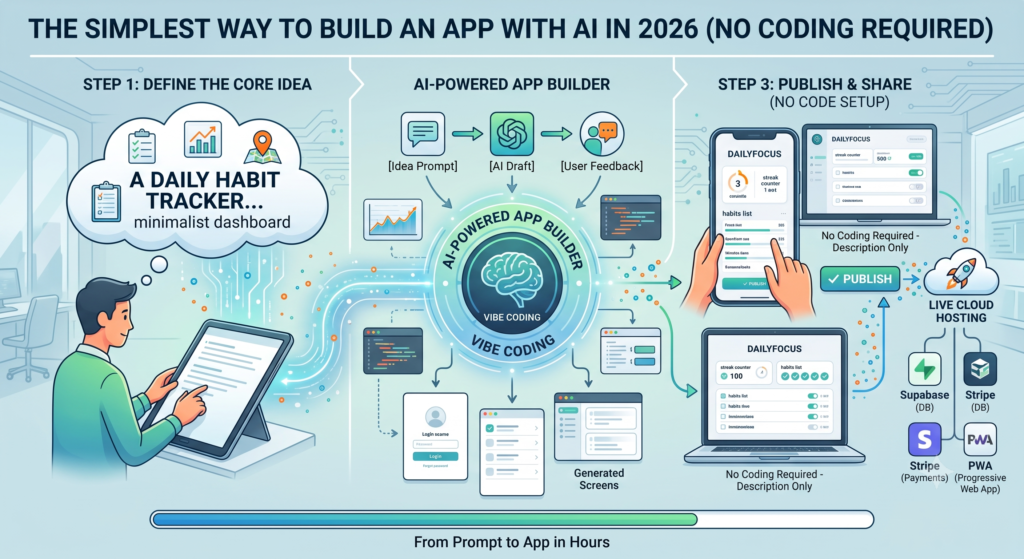
Old Way: Idea ➔ Learn Syntax ➔ Write Frontend ➔ Configure Backend ➔ Fix Bugs (Months)
New Way: Idea ➔ Clear Plain-English Prompt ➔ AI Generates App ➔ Test & Refine (Hours)
You do not need to memorize programming languages. Your primary job is clear communication and iterative testing.
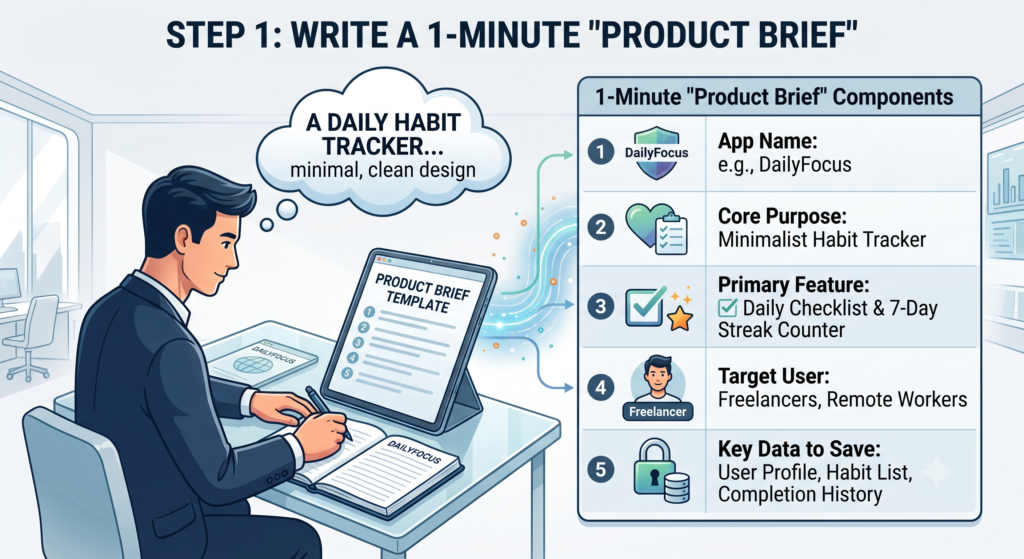
Step 1: Write a 1-Minute “Product Brief”
Before touching any AI tool, take 60 seconds to answer four simple questions on a piece of paper or notes app. A vague prompt produces a messy app; a focused prompt creates something you can use immediately.
Step 1: Write a 1-Minute “Product Brief”
What is it? (e.g., “A clean habit tracker for freelancers.”)
Who is it for? (e.g., “Remote workers who get overwhelmed by complicated tools.”)
What is the ONE core feature? (e.g., “A daily checklist that awards points and tracks a 7-day streak.”)
What data needs to be saved? (e.g., “User profile, list of habits, and daily completion history.”)
Tip: Resist the temptation to build ten features at once. Build the one main feature first.
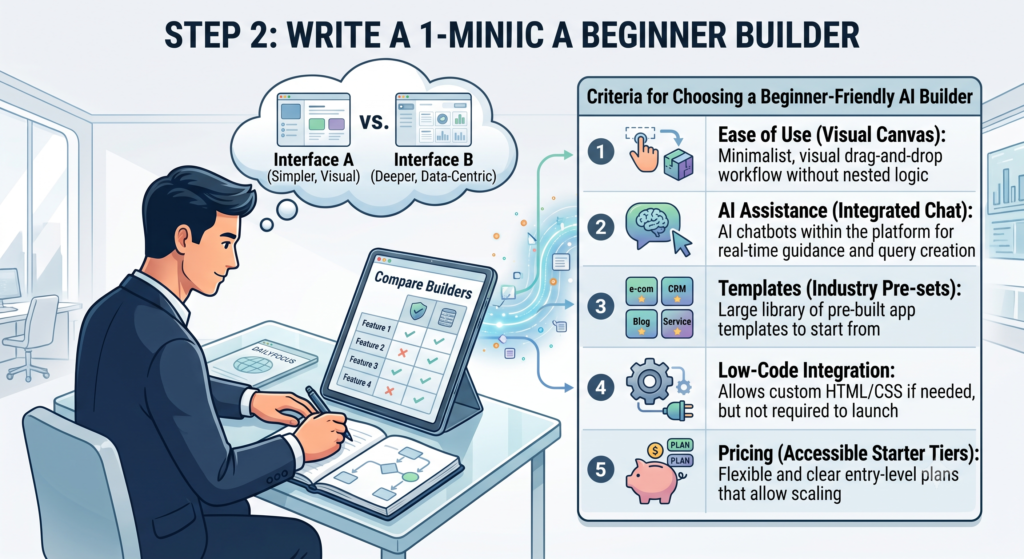
Step 2: Choose the Right Beginner-Friendly AI Builder
In 2026, prompt-to-app tools handle everything from user interfaces to logins and databases in a single tab. Here are the top beginner-friendly platforms:
Choose the Right Beginner-Friendly AI Builder
For absolute beginners, tools like Lovable or Bolt.new offer the fastest path from a text prompt to a clickable app.
Step 3: Craft Your “Genesis Prompt”
Open your chosen builder and paste your opening prompt. Use this structure to get the cleanest first version:
Plaintext
Act as an expert full-stack developer. Build a clean, modern web app called "DailyFocus".

Purpose: A distraction-free habit tracker for freelancers.

Key Features for Version 1:
1. A minimalist dashboard showing today's habits with checkboxes.
2. A simple button to "+ Add New Habit".
3. A weekly streak counter at the top of the page.
4. A warm, clean aesthetic (light mode with soft green and charcoal accents).

Please build this with mock data first so I can click around and test the flow.
Hit generate, sit back, and watch the AI assemble the components, styles, and logic in real-time.
Step 4: Refine “One Change at a Time”
Once the first preview appears, you will inevitably want to adjust things. The golden rule of AI app building is: never ask for ten big changes in one prompt.
Work like an editor:
Fix layout first:“Move the streak counter to the top-right corner and make the ‘Add Habit’ button bolder.”
Add behavior next:“When a habit is checked off, play a subtle celebration animation and update the streak.”
Connect persistent storage:“Now add authentication so users can log in with email and save their data across sessions.”
Testing after every single instruction ensures the AI stays on track and avoids breaking existing code.
Step 5: Test and Share with Real People
Once your app works in the live preview:
Click through the flows: Try intentionally entering blank inputs or clicking buttons out of order to see if anything glitches.
Hit “Publish”: Modern AI builders provide a one-click live URL that you can open on your phone or send to friends.
Get real feedback: Share the link with 3 to 5 people in your target audience and watch how they use it.
3 Traps to Avoid
❌ Feature Creep: Don’t ask the AI to build payments, user tiers, forums, and dark mode on day one. Get the core functionality working first.
❌ Patching a Broken Loop: If the AI misunderstands an instruction and gets tangled in errors, don’t keep sending endless corrective prompts. Simply use the “Undo” / Version History button to roll back to the last working version and rephrase your prompt.
❌ Skipping the Real Problem: The hardest part of building software was once writing the code; today, the hardest part is building something people actually want. Focus your energy on solving a real problem.
The definition of what it means to be a “creator” in tech has fundamentally changed. Building an application is no longer a privilege reserved for those who spent years mastering programming languages, database architectures, and deployment pipelines.
In 2026, your most valuable skill isn’t writing complex code—it’s clarity of thought, clear communication, and the ability to iterate.
You don’t need a dev team to validate a business idea.
You don’t need venture capital just to build a functional MVP.
You only need a focused concept and the patience to guide an AI builder step-by-step.
Whether your goal is to launch a profitable micro-SaaS, build an automated tool for your business, or simply bring a creative idea to life, the barrier to entry has dropped to zero.
The software world now belongs to directors, not just programmers. Stop waiting for the “perfect time” or the “right technical partner.” Open an AI builder, write your genesis prompt, and turn your idea into a working app today.
Frequently Asked Questions (FAQs)
Do I really need zero coding knowledge to build an app in 2026? Yes. Natural language has become the core programming language. Modern prompt-to-app platforms translate plain English prompts into production-ready frontend code, backend logic, and responsive UI. If an error appears, you simply feed the error message back into the AI to resolve it.
Can I export the code and host the app anywhere I want? Yes. Leading tools (like Lovable, Bolt.new, and v0) generate standard frameworks—predominantly React, Next.js, and TypeScript. You can push the repository directly to GitHub and host it via services like Vercel, Netlify, or your own private servers.
How do I connect databases and user logins without backend experience? Most modern AI builders support one-click integrations with cloud backends like Supabase or Firebase. By instructing the AI to “add email authentication and save user items,” the platform automatically generates database tables, queries, and Row-Level Security rules behind the scenes.
Can these web apps be turned into mobile apps for the App Store or Google Play? Yes. You can configure the application as a Progressive Web App (PWA) so users can install it directly from mobile browsers. For official app stores, you can wrap the code with frameworks like Capacitor with minimal setup.
What is the typical cost to build and launch an AI-generated app? Getting an MVP live can cost little to nothing:
AI Builders: Most offer free tiers or low-cost plans ($20–$25/month) for advanced builds.
Database & Auth: Platforms like Supabase and Firebase feature free tiers supporting thousands of active users.
Hosting: Providers like Vercel and Netlify offer free hosting for standard custom web applications.