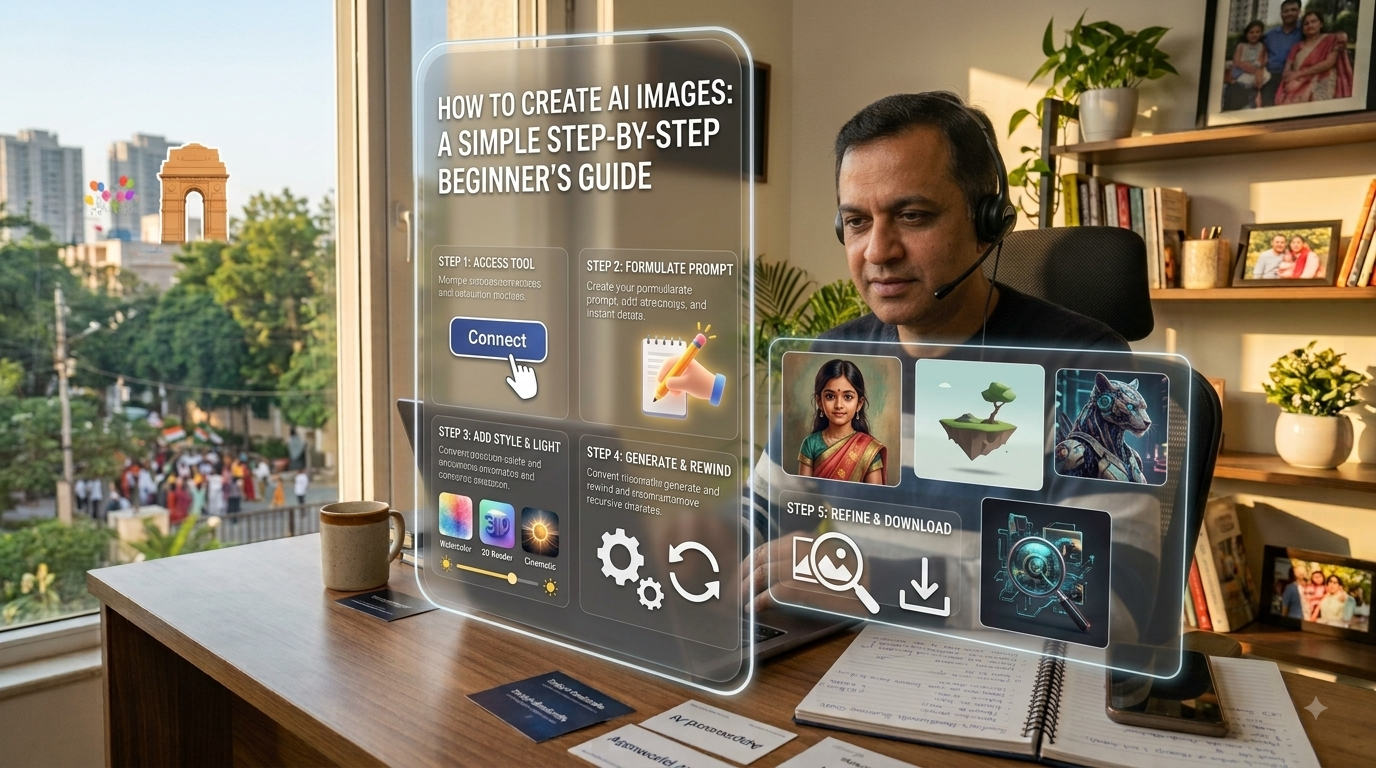
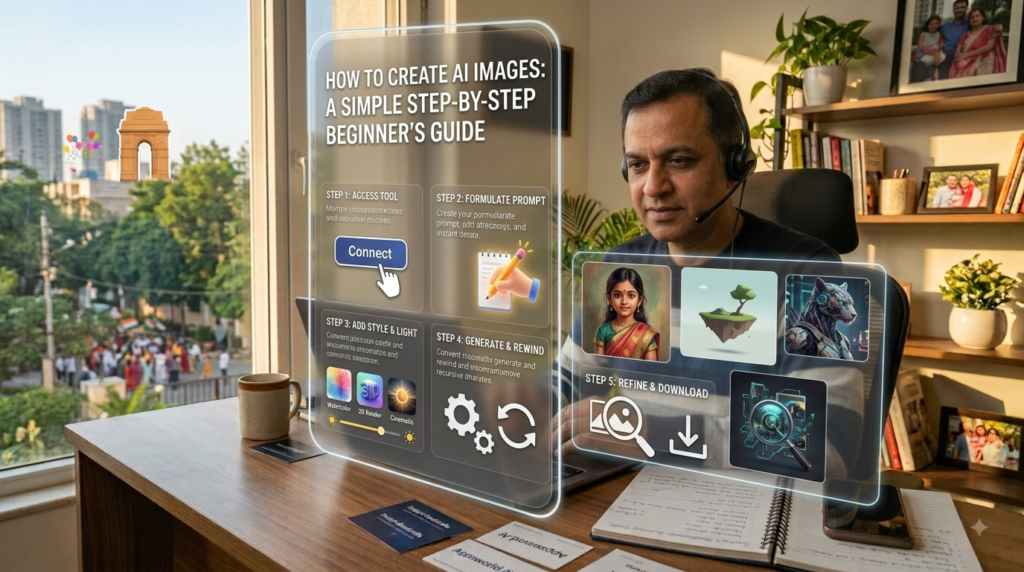
How to Create AI Images: A Simple Step-by-Step Beginner’s Guide
Have you ever imagined an idea—like a futuristic city floating in the sky or a cat drinking coffee in sunglasses—and wished you could paint it instantly without knowing how to draw?
That is exactly what AI image generators do.
Creating stunning visual art using Artificial Intelligence used to sound like complex coding, but today, anyone can do it in seconds. Whether you need graphics for your website, social media posts, marketing campaigns, or personal fun, here is a complete, beginner-friendly guide to creating AI images.
How to Create AI Images: A Simple Step-by-Step Beginner’s Guide
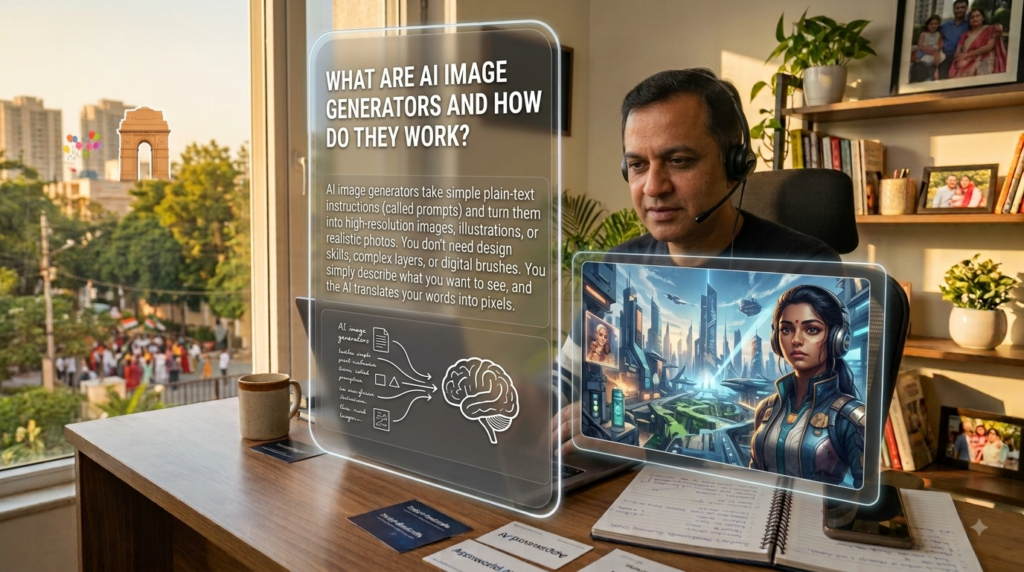
What Are AI Image Generators and How Do They Work?
What Are AI Image Generators and How Do They Work?
AI image generators take simple plain-text instructions (called prompts) and turn them into high-resolution images, illustrations, or realistic photos.
You don’t need design skills, complex layers, or digital brushes. You simply describe what you want to see, and the AI translates your words into pixels.
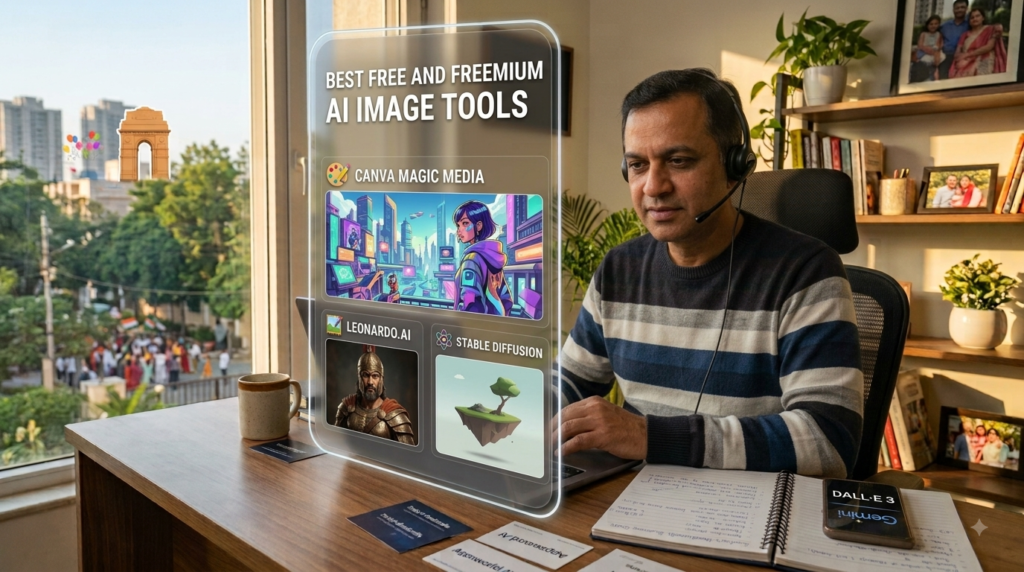
Best Free and premium AI Image Tools
You don’t need an expensive subscription to start. Here are some of the most popular and accessible tools:
Tool
Best For
Free Access Available?
Canva Magic Media
Social media posts, banners & flyers
Yes (Monthly credits)
Microsoft Copilot / Designer (DALL-E 3)
Realistic portraits & creative artwork
Yes (Free with MS account)
Google Gemini
Fast brainstorms & concept art
Yes
Leonardo.ai
Game assets, 3D graphics & detailed control
Yes (Daily free token refresh)
Midjourney
Ultra-photorealistic & cinematic visuals
Paid / Trial-based
Best Free and premium AI Image Tools
Step-by-Step: How to Create Your First AI Image
Follow this straightforward 4-step workflow to generate high-quality visuals:
Step 1: Pick Your Tool
Open your tool of choice (for instance, Canva, Microsoft Designer, or Google Gemini) and locate the image generation prompt box.
Step 2: Write a Clear Prompt
Avoid super short phrases like “dog on a chair”. Instead, give the AI enough detail:
Example Prompt:“A cute golden retriever puppy sitting on a vintage leather armchair, warm morning sunlight, cinematic lighting, photorealistic, 4K resolution.”
Step 3: Hit Generate & Review
Wait a few seconds for the tool to render variations. Review the results to see if the lighting, perspective, and subjects match what you wanted.
Step 4: Refine and Download
If the first result isn’t perfect, adjust your prompt. Add or remove keywords, change the style, and re-roll until you get the perfect look. Once satisfied, hit Download.
Writing the Perfect Prompt
The secret to great AI art isn’t the tool—it’s how clearly you write your prompt. Use this simple 5-part formula:
Subject:An Indian entrepreneur working at a wooden desk
Setting:Modern home office near a bright window
Art Style:Clean 3D animation / Photorealistic photograph
Lighting/Mood:Golden hour sunlight, cozy and energetic
Details:Shallow depth of field, high resolution, crisp details
Conclusion
Creating stunning, high-quality images is no longer limited to professional graphic designers or tech experts. With modern AI image generators, the only real limit is your imagination.
Whether you are designing social media posts, enhancing your website banners, or just exploring creative ideas, the key lies in experimenting with your prompts. Start simple, play with lighting and styles, and don’t hesitate to refine your descriptions until you get the perfect visual.
Key Takeaways to Remember:
Pick the right tool: Start with free or freemium tools like Canva, Microsoft Designer, or Leonardo.ai.
Master the prompt formula: Always define your subject, style, setting, and lighting clearly.
Keep iterating: Small tweaks in your keywords can transform an ordinary image into a masterpiece.
Pick one free AI tool from this list today, type in your first creative prompt, and watch your imagination come to life in seconds!
Frequently Asked Questions:
1. What is the best free AI image generator for beginners?
Tools like Microsoft Designer (powered by DALL-E 3), Google Gemini, and Canva Magic Media are among the best options for beginners. They offer generous free access, simple web interfaces, and high-quality outputs without requiring technical setup.
2. Can I use AI-generated images for commercial purposes?
In most cases, yes—platforms like Leonardo.ai, Canva, and Midjourney (paid plans) grant commercial rights to the images you create. However, policies vary by tool, so always verify the platform’s specific Terms of Service before using outputs in client projects or paid ads.
Instead of generic phrases, provide clear context (e.g., “A cup of hot coffee on a rustic wooden desk near a rainy window, soft morning light, hyper-realistic, 4K”).
4. Do I need graphic design or coding skills to create AI images?
No. Modern AI tools rely entirely on plain text inputs (prompts). You only need to describe what you want in simple, everyday language.
5. Why do AI image generators sometimes get hands or text wrong?
AI models generate visuals by predicting pixel patterns rather than calculating physical anatomy or spelling. To minimize errors, specify simple poses, request minimal background text, or refine the image using built-in editing/in-painting tools.