Let’s be honest: we’ve all been there. You have a brilliant idea for a social media post, a presentation, or a blog header, but you have the artistic skills of a potato. For years, Photoshop felt like trying to fly a fighter jet without a manual, and hiring a pro designer every time you needed a thumbnail wasn’t exactly budget-friendly.
Enter Canva. For a long time, it was our “drag-and-drop” savior. But in 2026, Canva isn’t just a design tool anymore; it’s an AI powerhouse. With the launch of Magic Studio, Canva has integrated AI so deeply that it feels like having a professional designer, a copywriter, and a video editor sitting right next to you.
But the real question is: Is Canva AI actually good, or is it just hype? Let’s dive into the “human” side of using these tools.
1. The Magic of “Magic Media”: Words into Art
The most searched feature is undoubtedly the Text-to-Image and Text-to-Video tool. You type “A futuristic tea stall on Mars with neon lights,” and boom—you have options.
The Human Touch: What I love about this isn’t just the AI’s speed; it’s how it helps with “creative block.” Sometimes you don’t know what you want until you see a rough version of it. Canva’s AI doesn’t just give you a finished product; it gives you a starting point to spark your own imagination.
2. Magic Switch: The Multi-Tasker’s Dream
If you are a content creator, you know the pain of resizing. You make a beautiful Instagram post, and then you have to manually recreate it for a LinkedIn banner, a Twitter header, and a YouTube thumbnail. It’s soul-crushing work.
Magic Switch changes the game. With one click, it uses AI to:
- Automatically resize the layout.
- Translate the text into another language.
- Even turn a brainstormed whiteboard into a professional summary document.
It feels like the tool actually “understands” the context of what you’re building, rather than just stretching the pixels.
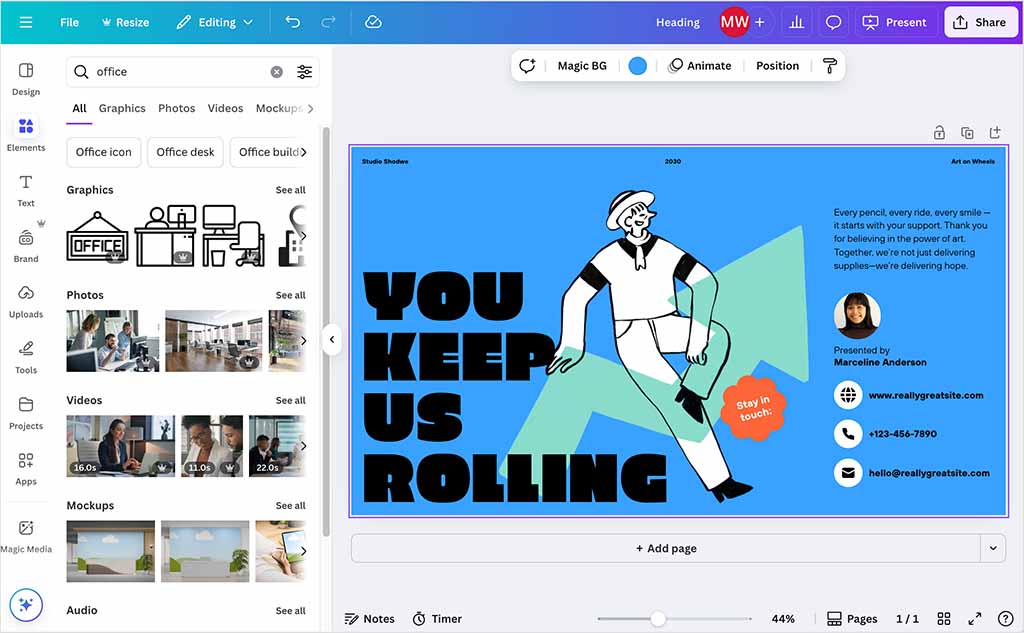
3. Magic Write: Your AI Copywriter
Canva’s Magic Write is built on powerful language models (similar to what powers ChatGPT). Whether you’re writing a heartfelt birthday card or a corporate strategy, it helps you find the right words.
The Reality Check: While Magic Write is brilliant for outlines and captions, it still needs you. AI can give you the structure, but you need to add the “soul”—the personal anecdotes, the brand’s unique voice, and the “Bhai-style” humor that a machine can’t perfectly replicate.
4. Editing Like a Pro (Without the Stress)
The AI editing tools are where Canva really shines for the average user:
- Magic Eraser: Did a random person ruin your perfect beach photo? Just brush over them, and they vanish.
- Magic Grab: This is wild. You can take a static image and literally “grab” the subject (like a person or a car) and move them around, while the AI fills in the background perfectly.
- Magic Expand: Took a vertical photo but need it to be horizontal? AI “outpaints” the edges to match the environment.
5. Why Canva AI Wins Over Complex Software
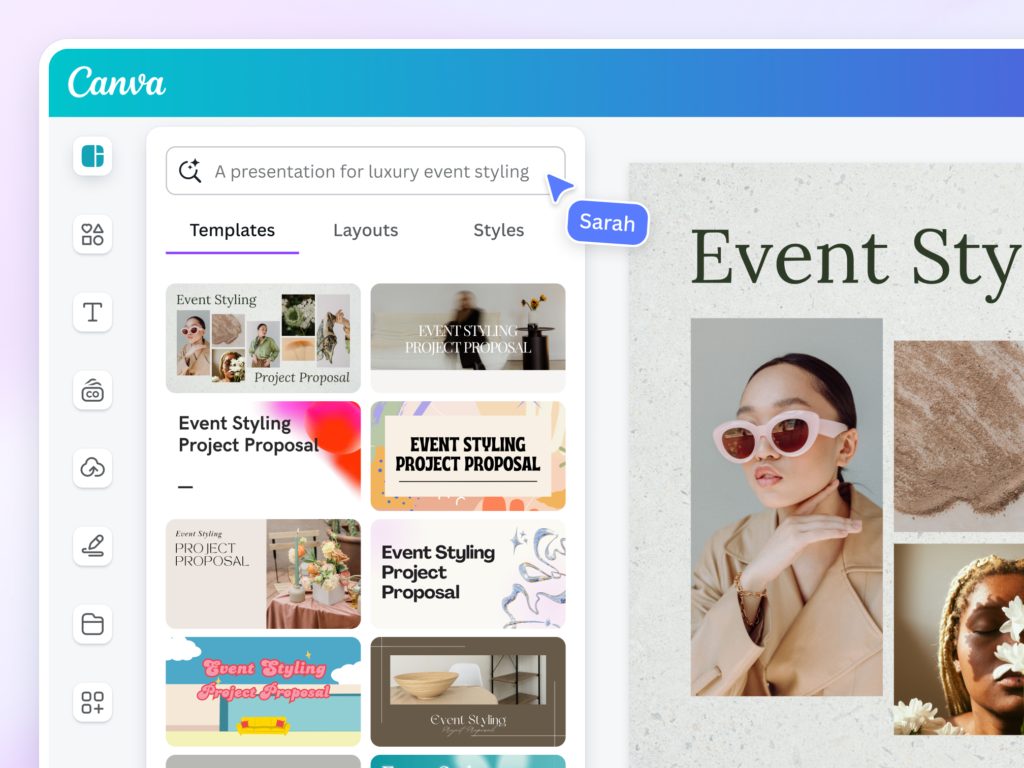
The reason people search for Canva AI more than “Advanced AI Design Scripts” is simplicity.
Photoshop and Midjourney are amazing, but they require “prompt engineering” or technical knowledge. Canva AI is built for the person who has 15 minutes before a meeting and needs something that looks like it took 5 hours. It’s “Democratic AI”—intelligence for everyone, not just the tech-savvy.
6. The Ethical Side: AI vs. Human Designers
We have to address the elephant in the room. Is AI replacing designers?
In my opinion, no. A tool like Canva AI is like a high-end microwave. It’s great for a quick, delicious meal. But a professional designer is a Michelin-star chef. For high-stakes branding and deep emotional storytelling, you still need a human brain. Canva AI simply handles the “busy work,” allowing humans to focus on the big ideas.
Conclusion: Should You Switch?
If you are a small business owner, a student, or a social media manager, Canva AI is a must-have. It saves hours of frustration and makes “good design” accessible to everyone.
The best way to use it? Don’t let the AI do 100% of the work. Use it to do the 80%—the resizing, the initial draft, the background removal—and then add your 20% of “Human Magic” to make it truly stand out.
Top Searching Tags (SEO)
#CanvaAI #MagicStudio #AIGraphicDesign #CanvaTips2026 #AIToolsForSmallBusiness #ContentCreation #MagicWrite #TextToImage #DesignHacks #GraphicDesignTrends #CanvaTutorial #AIforNonDesigners
FAQs for Canva AI
Q1. Is Canva AI free to use?
Ans: Many features like basic Magic Write are free, but the most powerful “Magic Studio” tools (like Magic Eraser and Magic Switch) usually require a Canva Pro subscription.
Q2. Is Canva AI better than ChatGPT for writing?
Ans: For short captions, headings, and design-focused text, Canva is better because it’s right inside your design. For long-form blogs or complex research, ChatGPT or Gemini are still superior.
Q3. Can I use Canva AI images for commercial use?
Ans: Generally, yes, but you should always check Canva’s latest licensing terms. AI-generated content can have tricky copyright rules, so don’t try to trademark an AI-only logo.
Q4. Does Canva AI support Indian languages?
Ans: Yes! Canva’s Magic Switch and translation tools support many Indian languages including Hindi, Marathi, Bengali, and more.