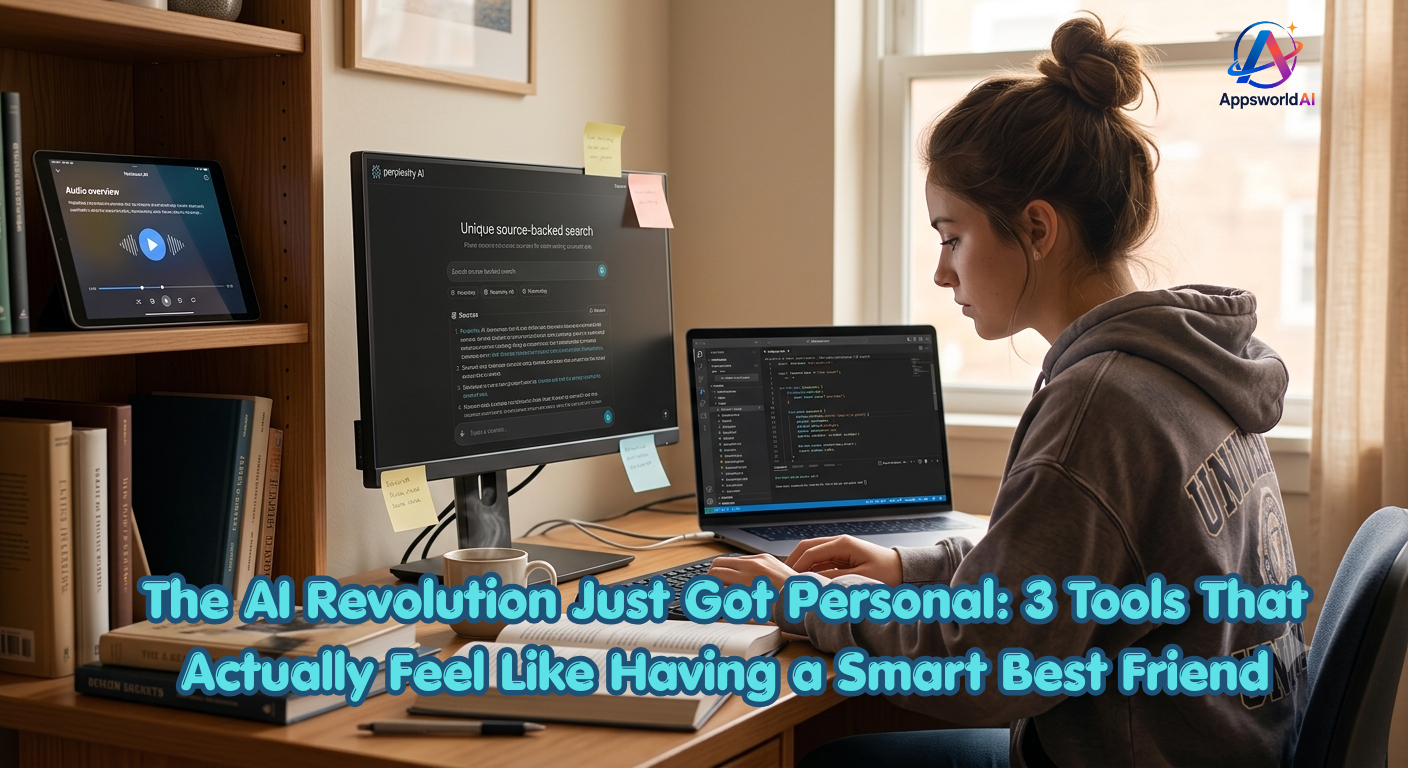
The AI Revolution Just Got Personal: 3 Tools That Actually Feel Like Having a Smart Best Friend
                  Let’s be honest. Every time a new AI tool drops, what’s the first thing that goes through your mind? "Great, another tool I have to learn," or maybe, "Is this actually going to save me time, or is it just another overhyped chatbot?"

                  I used to feel the exact same way. But recently, a few "game-changers" have entered the scene. These aren't your average chatbots that write generic emails. They actually step into your daily workflow and take over the heavy lifting, saving you hours of frustration.

                  We aren't going to look at boring corporate tech specs today. Instead, let's talk about three incredible tools that have completely transformed my productivity—and will probably do the same for yours. Using them doesn't feel like operating a machine; it feels like collaborating with a highly capable friend.
The AI Revolution Just Got Personal 3 Tools That Actually Feel Like Having a Smart Best Friend
1. NotebookLM: When Your PDFs Start Talking Back (In a Good Way)
Let’s address the biggest productivity killer: reading fatigue.
We all have folders overflowing with long PDFs, research papers, and articles we promised ourselves we’d read “over the weekend.” Spoiler alert: that weekend never comes.
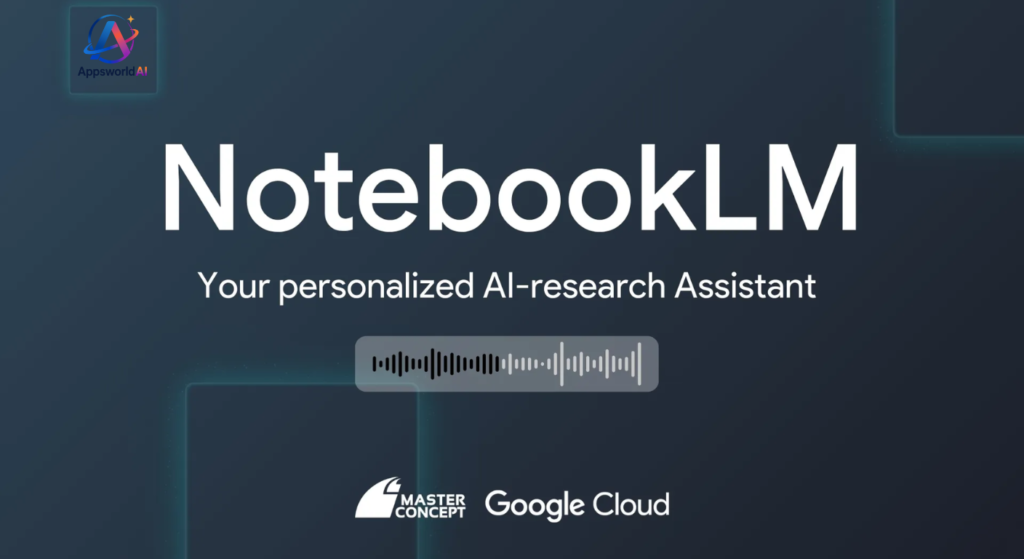
Google NotebookLM: Audio, Video & AI Note
Google’s NotebookLM is the ultimate cure for this. Its standout feature is something called Audio Overview.
How it works:
You upload your messy notes, links, or a massive 50-page document. Instead of giving you a dry, bulleted summary that you’ll still skip, NotebookLM generates a fully realized, highly engaging podcast hosted by two AI presenters.
Why it feels human:
The two AI hosts don’t just read the text; they banter. They interrupt each other, laugh, say “Oh, wait, let me get this straight,” and use brilliant, real-world analogies to break down complex topics. The tone and natural rhythm of their voices are so spot-on that if you played it for someone without telling them, they’d swear it was a real podcast. You can listen to your study guides or work briefs while driving or doing the dishes. It’s a total game-changer.
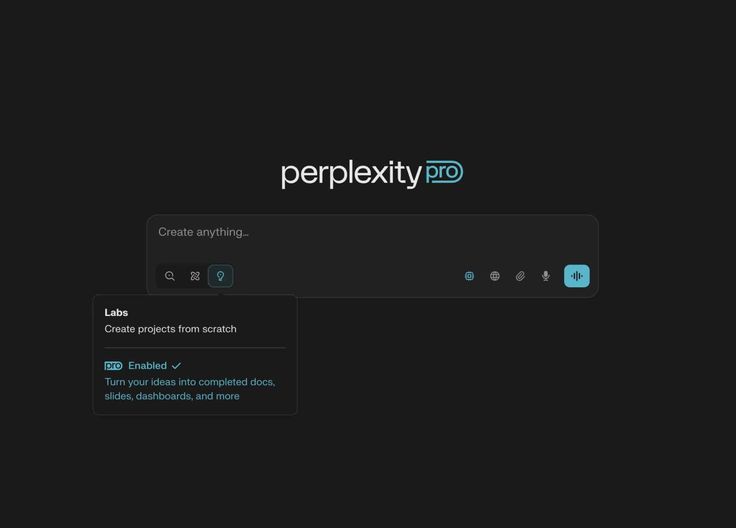
2.Perplexity AI: Search Engine, But Make It an Expert Assistant
Let’s talk about search. Traditional search engines have started to feel like a chaotic maze of
Perplexity AI
ads, SEO-stuffed clickbait, and irrelevant links.
Perplexity fixes this by acting as an answer engine, not just a search engine.
How it works:
If you ask Perplexity a highly specific question—like, “What are the best-hidden food spots in town that locals actually love, excluding tourist traps?”—it doesn’t just throw 10 links at you. It actively surfs the web, reads forums, cross-references reviews, and compiles a clear, direct, and conversational answer for you.
Why it feels human:
It saves you the trouble of opening 20 different tabs. It acts like a meticulous research partner, organizing the information logically and citing exactly where it got every piece of data. If you want to dig deeper, you can ask follow-up questions, and it remembers the context of your entire conversation.
If you write even a tiny bit of code, design websites, or just want to build a basic app, Cursor is going to blow your mind.
We’ve all tried pasting code into standard chatbots, only to get broken snippets back, resulting in a frustrating loop of copy-pasting. Cursor changes that by embedding AI directly into the code editor.
How it works:
Cursor is built on the bones of VS Code, but it’s completely AI-native. Instead of manually writing boilerplate code or hunting down bugs, you can simply type in plain English: “Add a dark mode toggle to the top right of this page,” or “Migrate this entire database structure.”
Why it feels human:
Because it understands your entire folder of files (known as “codebase awareness”), it doesn’t just suggest code; it actually goes into your project, edits the necessary files simultaneously, and presents the changes for you to accept or reject. People are building complex, fully functional web applications in hours without writing a single line of syntax themselves. It has given rise to the term “vibe coding”—where you focus entirely on the creative concept and architecture, while Cursor handles the execution.
Tools That Fit Your Life
These tools are incredibly important because they bridge the gap between complex technology and human behavior.
NotebookLMgives your eyes a break and lets you learn through your ears.
Perplexitycuts through the noise of the internet to give you immediate, reliable answers.
Cursor ai translates your creative ideas directly into working software.
They don’t feel like “robotic AI” because they aren’t just generating raw text; they are freeing us up from the tedious, repetitive tasks so we can focus on what we actually enjoy doing.
Conclusion
In 2026, AI is no longer just a boring textbox where you type a prompt and get a dry block of text. It has evolved into your active partner.
NotebookLMcures your reading fatigue by turning exhausting documents into engaging, human-like podcasts.
Perplexitycuts through the chaotic noise and endless ads of modern search engines to give you direct, trusted answers.
Cursor ai transforms coding from a tedious syntax battle into a game of pure creativity and “vibes.”
The real magic of these tools isn’t just that they are smart—it’s that they free you from the mind-numbing, repetitive tasks that drain your energy. Don’t think of them as software; think of them as your highly capable, always-on digital crew.
Stop reading about them, pick one, and go give it a spin today. You’ll feel the difference instantly!
Frequently Asked Questions (FAQs):
1. Are these tools free, or will they secretly charge my card?
The good news: You can use all three of these tools for absolutely free without ever inputting a credit card.
NotebookLM: Entirely free to start with your Google account. The free plan is incredibly generous, offering up to 100 notebooks, 50 sources per notebook, and access to the viral Audio Overviews.
Perplexity AI: Free to use for standard web searches. They do have a paid “Pro” version if you want to use more powerful AI models (like Claude or GPT-4o) for heavy research, but the free version is more than enough for daily queries.
Cursor AI: Has a permanently free “Hobby Plan”. It installs on your computer and works as a full editor, though your advanced AI suggestions and multi-file “Agent” requests will have a monthly limit. If you code heavily, you might want to upgrade, but beginners can easily stay on the free tier.
2. Is my data safe with these AI tools?
When you use browser-based tools like NotebookLM or Perplexity, your documents and search queries are processed on their cloud servers.
For general study and work: It is perfectly safe.
For highly confidential files: If you are working with sensitive company data, highly private legal documents, or proprietary code, you should avoid uploading them to public cloud tools. For coding, Cursor offers a “Privacy Mode” in its settings that guarantees your code is never used to train future AI models.
3. Will NotebookLM replace actual reading?
It shouldn’t, but it changes how you read. Think of NotebookLM’s audio overview as a movie trailer. It gives you the big picture, the tone, and the key highlights. Once you have that mental map, actually opening the document and reading the specific details becomes ten times easier because you aren’t starting from scratch.
4. Do I need to know how to code to use Cursor AI?
Surprisingly, no! That is the whole beauty of “vibe coding”. While knowing basic concepts helps you guide the AI, people with zero coding background are currently building fully functioning apps by simply describing what they want in plain English. Cursor writes the code, tells you where to click, and fixes its own errors when you ask it to.
5. Can I use these tools on my phone?
Perplexity has fantastic mobile apps for both iOS and Android, making it a great replacement for your default mobile browser.
NotebookLM is fully responsive and works beautifully on mobile web browsers, allowing you to listen to your generated podcasts on the go.
Cursor is a desktop-only application because it is a full-scale code editor that needs to run on a computer.