Think making videos requires expensive cameras and hours of editing? Think again. Here is a beginner’s guide to “Text-to-Video” AI tools that turn your words into stunning visuals instantly.
What Exactly IS “Text-to-Video”? (The Simple Version)
Imagine you have an incredibly talented artist friend. You send them a text message saying: “Hey, draw me a futuristic city at sunset with flying cars, cinematic lighting.”
Five seconds later, they send you a video exactly matching that description.
That artist is the AI. You provide the “Prompt” (the text description), and the AI interprets it and generates moving visuals from scratch. It understands concepts like lighting, camera angles, and artistic styles just from your words.
How to Create Your First AI Video (A 3-Step Guide)
You don’t need a degree in computer science. If you can write a descriptive sentence, you can make an AI video.
Step 1: The Magic is in the Prompt
This is the most important part. If you give the AI a boring prompt, you’ll get a boring video.
- Bad Prompt: “A dog running.”
- (The AI will give you a generic, probably slightly weird-looking dog.)
- Good Prompt: “A golden retriever puppy running happily through a field of tall grass during golden hour sunset, cinematic 4k, slow motion.”
- (Now the AI knows exactly the vibe, lighting, and style you want.)
Human Tip: Be as specific as possible. Mention the lighting (neon, sunny), the style (cartoon, realistic, cinematic), and the camera movement (drone shot, close-up).
Step 2: Choose Your Tool
Right now, AI video tools fall into two categories:
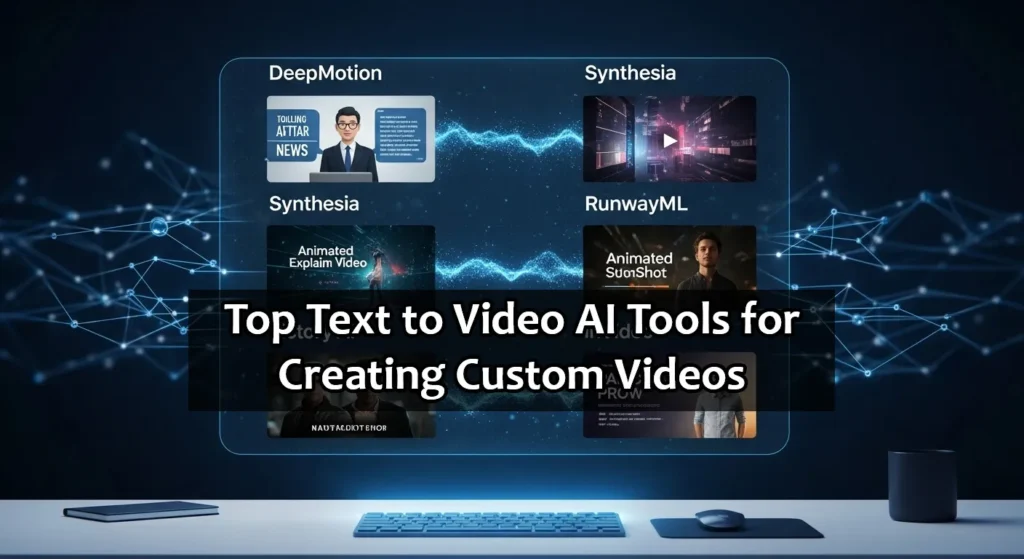
Category A: The “Artistic Clip” Generators Tools like Runway Gen-2 or Pika Labs are amazing for creating short, 3-5 second mind-blowing clips from scratch. They are great for intros, B-roll, or artistic projects.
Category B: The “Full Video” Assemblers Tools like InVideo AI or Fliki are different. You give them a topic (e.g., “5 health benefits of yoga”), and they will write the script, find relevant stock footage, add an AI voiceover, and put it all together. This is best for YouTubers and marketers who need finished videos fast.
Step 3: The Human Polish
This is where you win. Most people just take the raw AI output and post it. Don’t do that. It often looks a bit “soulless.”
Take the AI video into a simple editor (like CapCut or Canva). Add some trending music, put your own text overlays on it, cut out the weird parts where the AI made a mistake.
Use AI to generate the raw materials, but use your human brain to assemble the final product.
A Realistic Look: The Good and The Bad
I don’t want to overhype this. The technology is incredible, but it’s still new.
The Good:
- Speed: You can create visuals in minutes that would take days to animate manually.
- No Faceless Fear: Great for introverts who want to make content without showing their face.
- Cost: Much cheaper than hiring a video production team.
The “Meh” (The Bad):
- Glitchy Hands: AI still struggles with hands, faces, and text inside videos. Sometimes people might have six fingers or eyes that look a bit strange.
- Short Lengths: Most true text-to-video tools only generate very short clips right now. You can’t generate a 10-minute movie with one click yet.
Conclusion:
The best way to learn this isn’t by reading blogs; it’s by trying it.
Most of these tools have free trials. Go sign up for one this weekend. Try typing in the craziest idea you have and see what it spits back out. It might be terrible, it might be amazing, but I guarantee it will be fun.
We are moving from an era where you needed “skills” to make video, to an era where you just need “ideas.”
What’s the first video idea you want to try creating with AI? Drop it in the comments below!
FAQ
1. Are text-to-video AI tools free to use?
Most tools offer a “Freemium” model. This means they give you free credits or a free trial to generate a few seconds of video to test the technology. However, for high-quality (HD) downloads and longer videos without watermarks, you usually need to upgrade to a paid plan.
2. Can I monetize AI-generated videos on YouTube?
Yes, you can. YouTube allows AI content as long as it follows their community guidelines. However, you should not just spam raw AI clips. To get monetized, you need to add value—like your own voiceover, storytelling, or editing—to make the content unique and engaging for viewers.
3. Do I need a powerful computer to run these AI tools?
No! That’s the best part. Most modern text-to-video tools (like Runway, Pika, or InVideo) run entirely on the cloud (in your web browser). You can even create videos on a basic laptop or a smartphone; the heavy processing is done on their servers.
4. Which tool is best for beginners?
If you want to make full YouTube videos (with script and stock footage), InVideo AI or Fliki are the easiest for beginners. If you want to create artistic, cinematic short clips from scratch, Runway Gen-2 or Pika Labs are the industry leaders.
5. Who owns the copyright to the AI video?
This is still a developing legal area, but generally, most platforms grant you ownership of the content you generate, especially if you are on a paid plan. However, because AI generates images from patterns, you usually cannot “trademark” an AI video the same way you would a filmed movie. Always check the specific Terms of Service of the tool you use.